Sustainable Campus Consumer Programme
2022
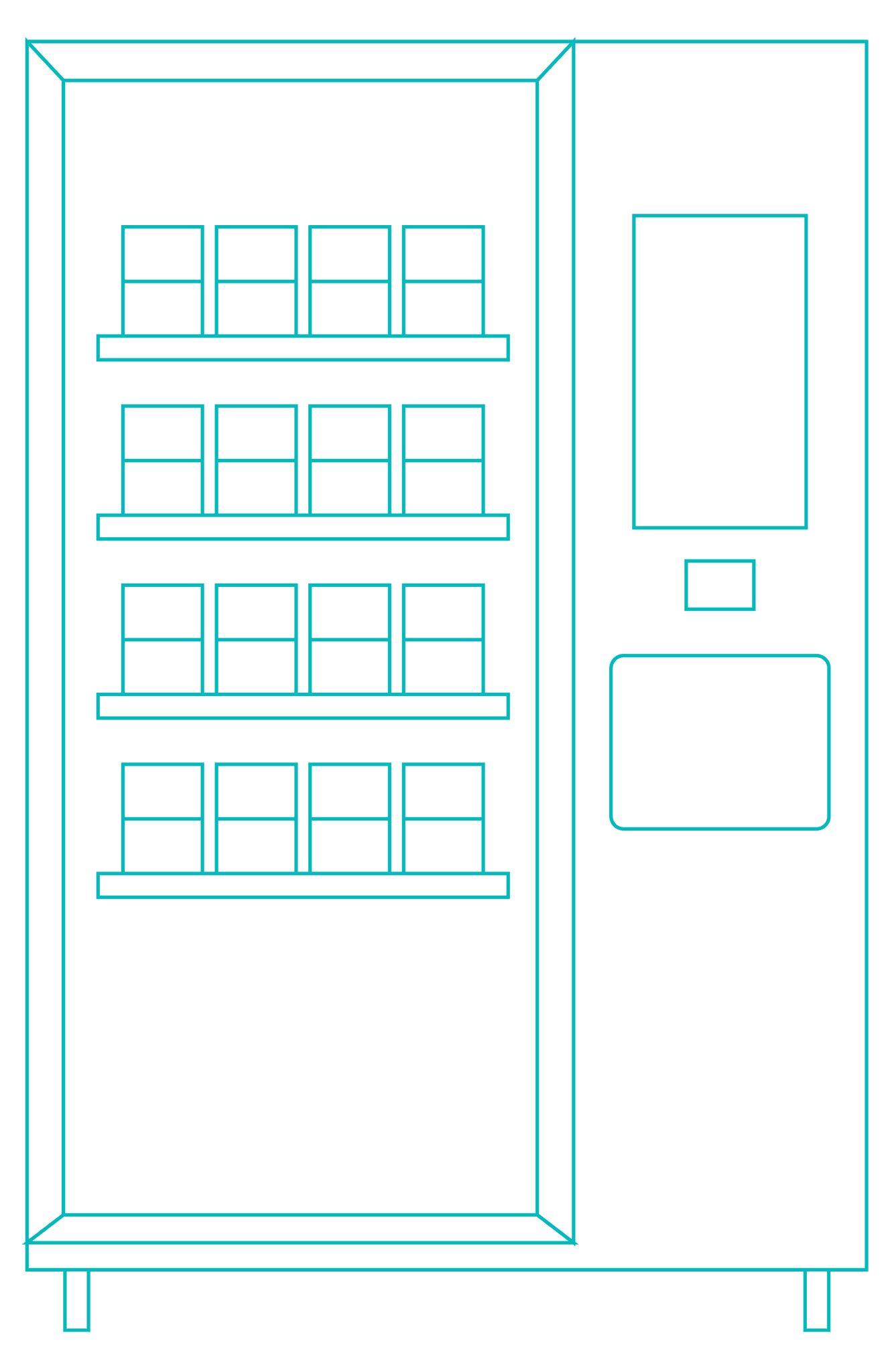
A lunchbox borrowing & returning system in universities' campus.
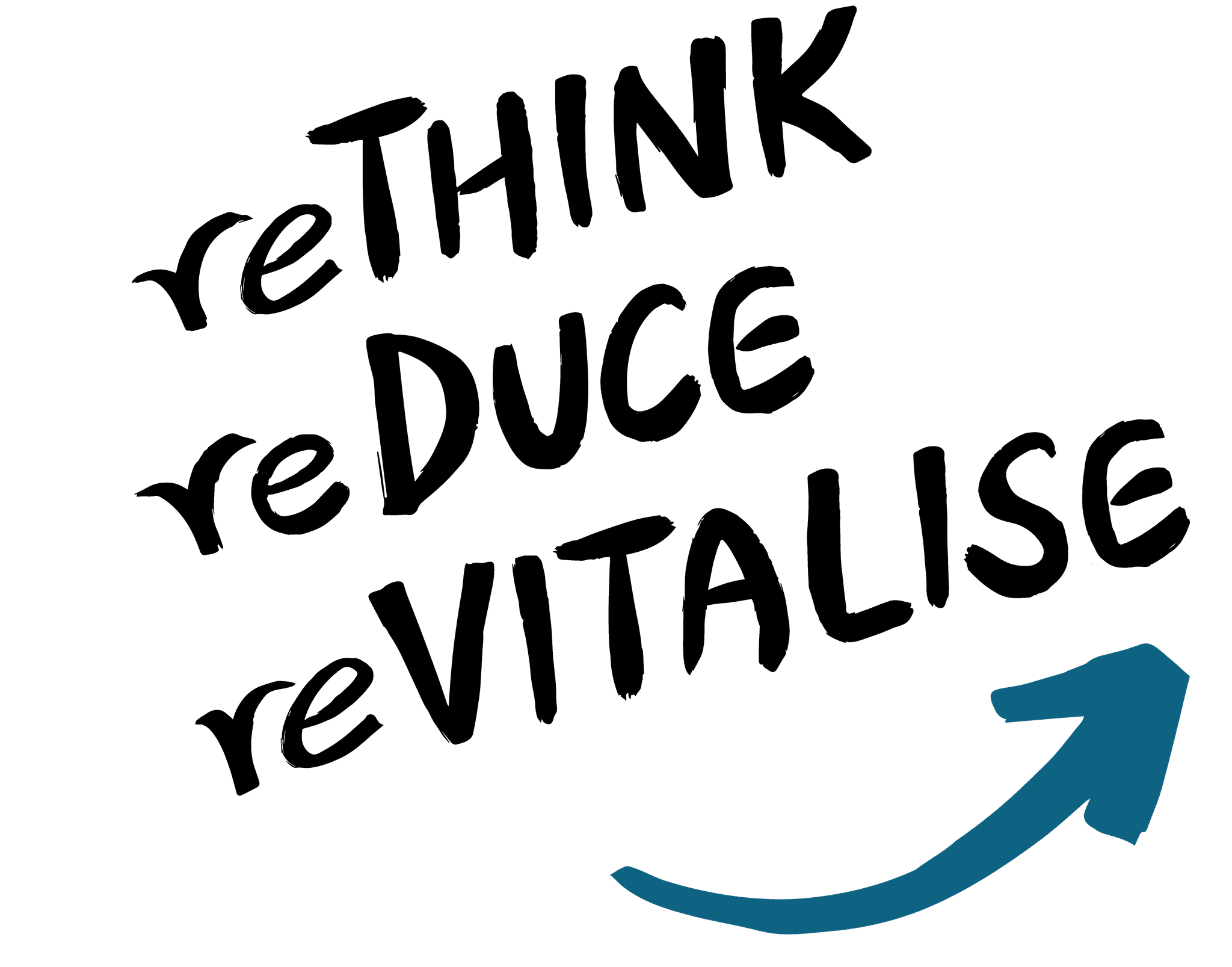
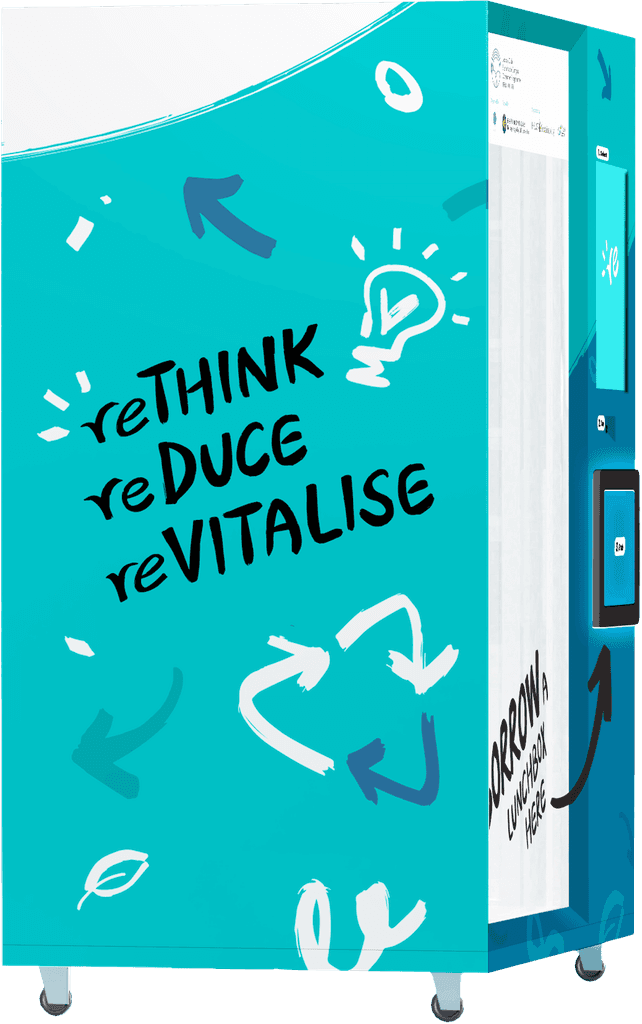
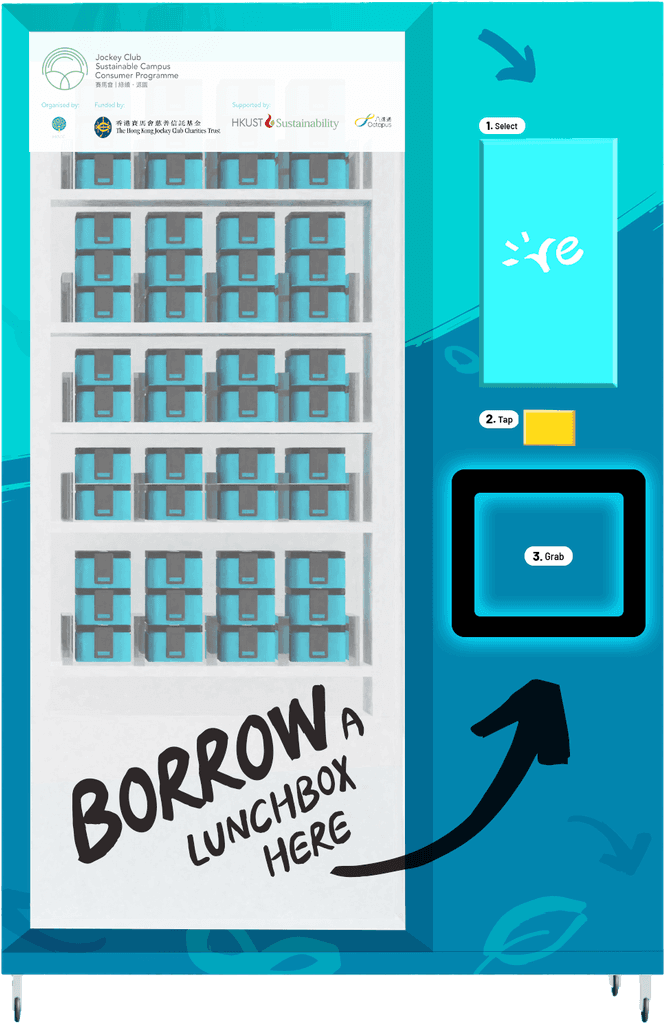
A HKUST campaign aimed at reducing single-use lunch boxes on campus through a borrow-and-return system. Centered on the values of Rethink, Reduce, and Revitalize, the design combines a lively, sustainable tone with clear, user-friendly interaction.

Brief
Brief
Brief
Brief
Where
Where
Where
8 universities’ campus
8 universities’ campus
8 universities’ campus
Who
Who
Who
University students and staff
University students and staff
University students and staff
When
When
When
Before and after lunch hours
Before and after lunch hours
Before and after lunch hours
Why
Why
Why
To reduce disposable waste
To reduce disposable waste
To reduce disposable waste
Goal
Goal
Goal
Users to adopt lunchbox borrowing as a daily habit
Users to adopt lunchbox borrowing as a daily habit
Users to adopt lunchbox borrowing as a daily habit

How It Works
How It Works
How It Works
How It Works
Collect
Collect
Collect
a lunchbox for
from the machine
a lunchbox for
from the machine
a lunchbox for
from the machine

Use
Use
Use
the lunchbox for
food in canteen
the lunchbox for
food in canteen
the lunchbox for
food in canteen
Return
Return
Return
the lunchbox into
another machine
the lunchbox into
another machine
the lunchbox into
another machine
Approach
Approach
Approach
Approach
To Attract
To Attract
Vibrant, lively, & engaging graphics
Vibrant, lively, & engaging graphics

Arrow
Kick-staring,
Forward-moving
Kick-staring,
Forward-moving

Turquoise
Optimistic,
Energetic
Optimistic,
Energetic

Brush Strokes
Organic,
Authentic
Authentic
Organic,
Authentic
Authentic
To Attract
Vibrant, lively, & engaging graphics
Arrow
Kick-staring,
Forward-moving
Turquoise
Optimistic,
Energetic
Brush Strokes
Organic,
Authentic
Authentic
To Introduce
To Introduce
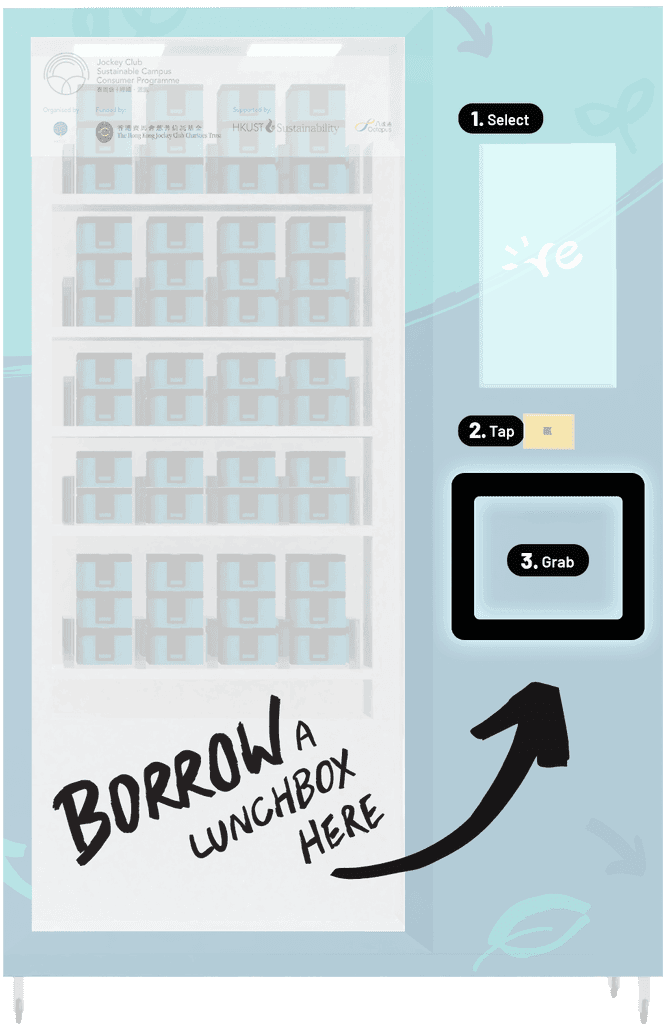
Simplified journey into 3 major steps
Simplified journey into 3 major steps
Simplified journey into 3 major steps
1.
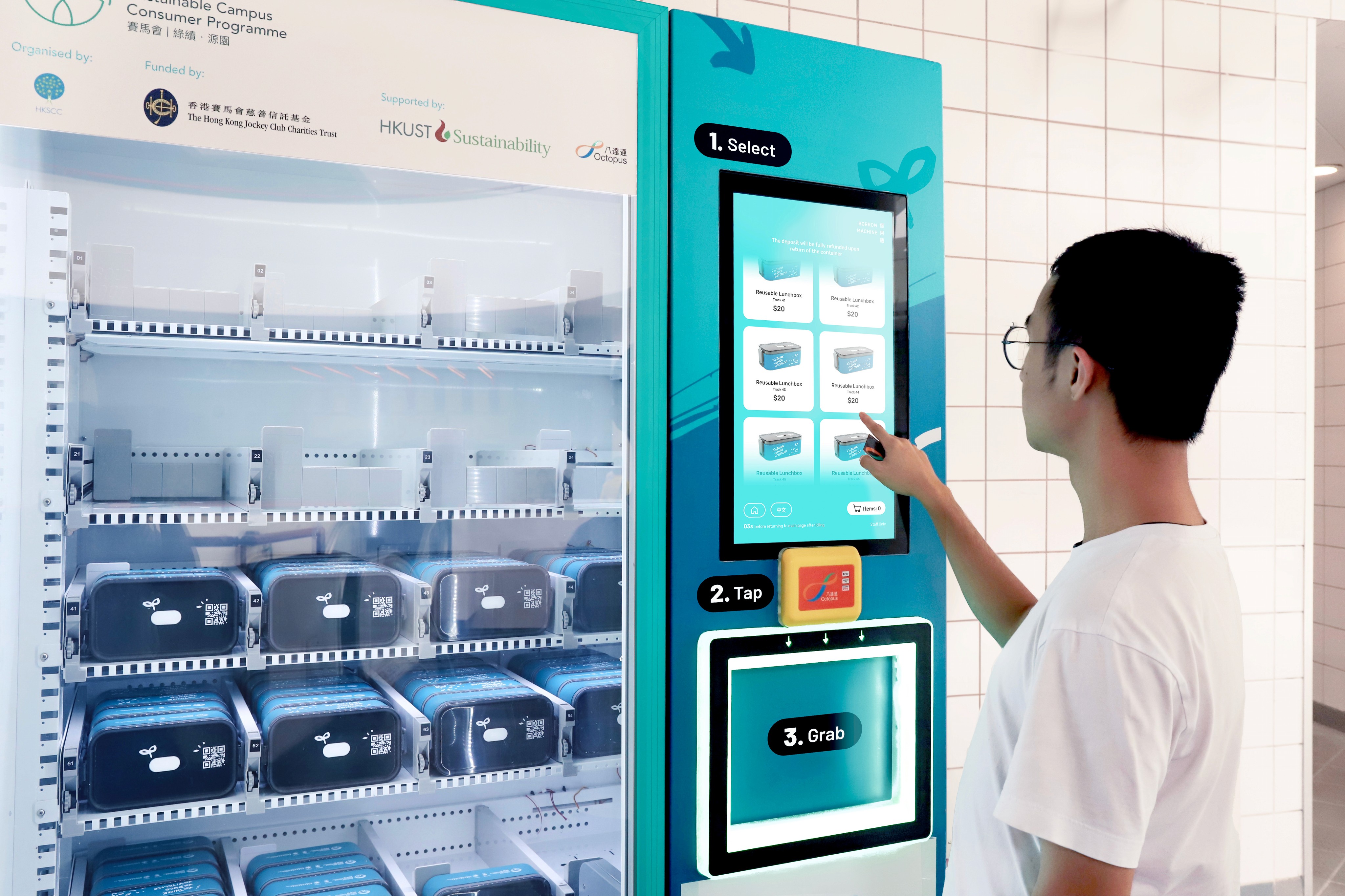
Select
2.
Tap
3.
Grab
To Ease Journey
To Ease Journey
Visually bold guidance
along with colour system
Visually bold guidance
along with colour system
Visually bold guidance along with colour system
Primary
Primary
Secondary
Secondary
Alternative
Alternative
Actions
Actions
Visual Elements
Visual Elements
Visual Elements
Visual Elements
|
|
|
Typeface
Typeface
Typeface
To complement the bold handwritten fonts, a versatile typeface with a large family is used. A four-tiered hierarchy ensures clarity and maximizes readability.
To complement the bold handwritten fonts, a versatile typeface with a large family is used. A four-tiered hierarchy ensures clarity and maximizes readability.
To complement the bold handwritten fonts, a versatile typeface with a large family is used. A four-tiered hierarchy ensures clarity and maximizes readability.
H1: Title
H1: Title
Rubik Semibold
Rubik Semibold
思源粗體
思源粗體
H2: Sub-Title
H2: Sub-Title
H2: Sub-Title
Rubik Semibold
Rubik Semibold
Rubik Semibold
思源中等體
思源中等體
思源中等體
H3: Body
H3: Body
H3: Body
Rubik Medium
Rubik Medium
Rubik Medium
思源中粗體
思源中粗體
思源中粗體
H4: Note
H4: Note
Rubik Regular
Rubik Regular
思源常規體
思源常規體
Visual Elements
Visual Elements
Visual Elements
Visual Elements
|
|
|
|
Icons & Buttons
Icons & Buttons
Icons & Buttons
Icons & Buttons
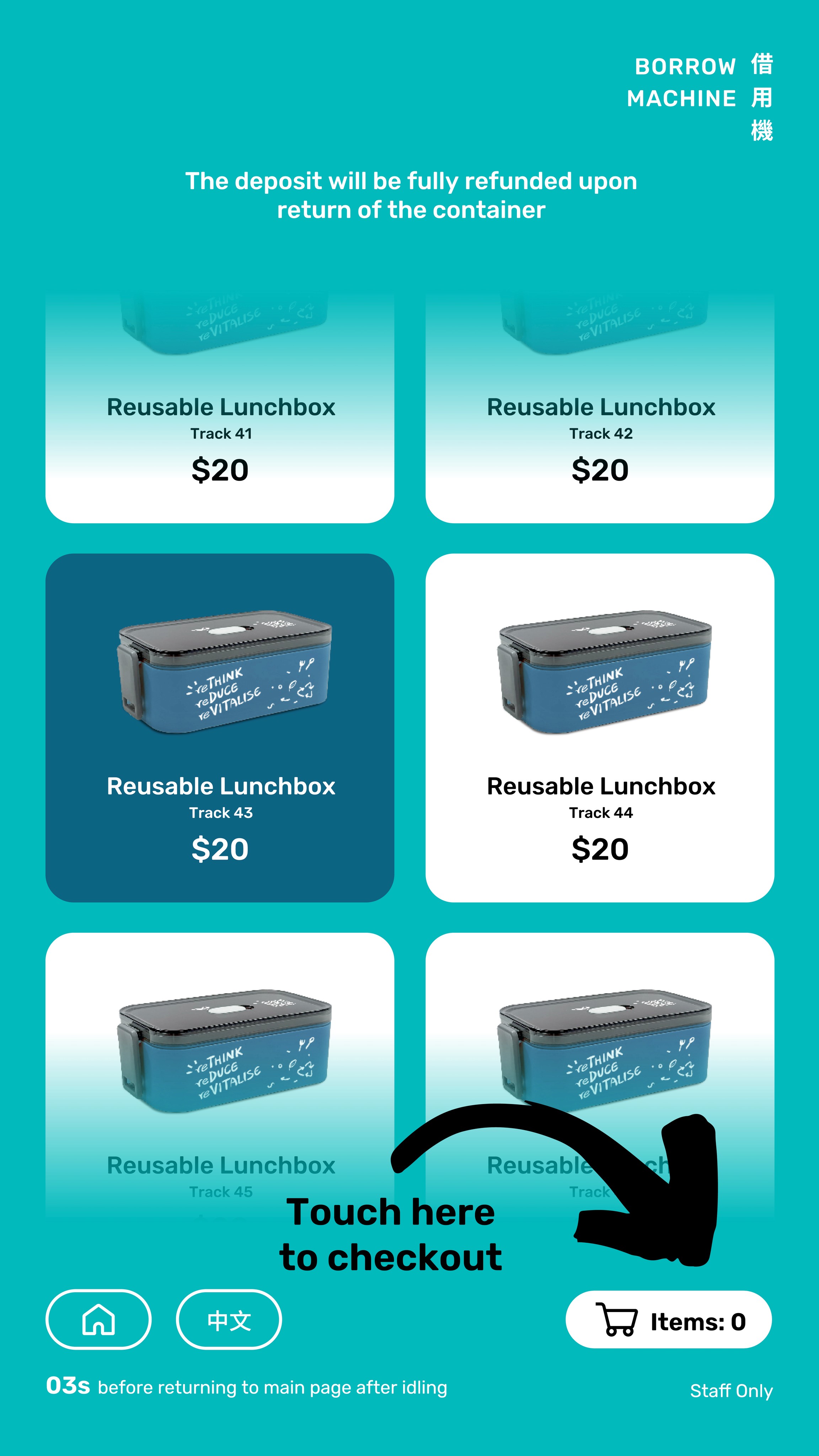
To balance the decorative style, the UI remains clean and structured, using straight lines and rounded corners to enhance readability and usability. Simple illustrated icons efficiently convey messages while maintaining a user-friendly experience.
To balance the decorative style, the UI remains clean and structured, using straight lines and rounded corners to enhance readability and usability. Simple illustrated icons efficiently convey messages while maintaining a user-friendly experience.
To balance the decorative style, the UI remains clean and structured, using straight lines and rounded corners to enhance readability and usability. Simple illustrated icons efficiently convey messages while maintaining a user-friendly experience.














Flexiblity
Flexiblity
Flexiblity
Flexiblity
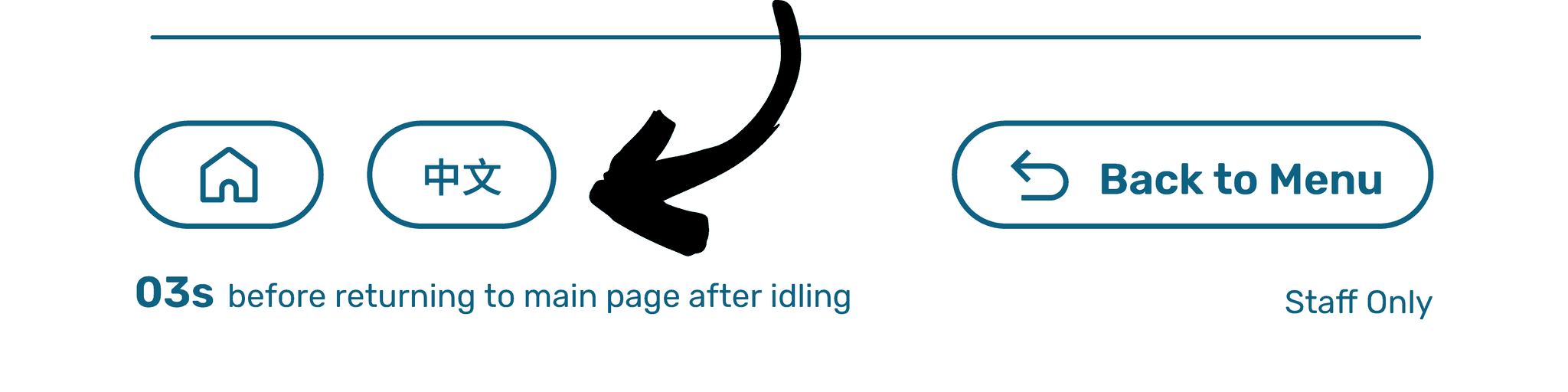
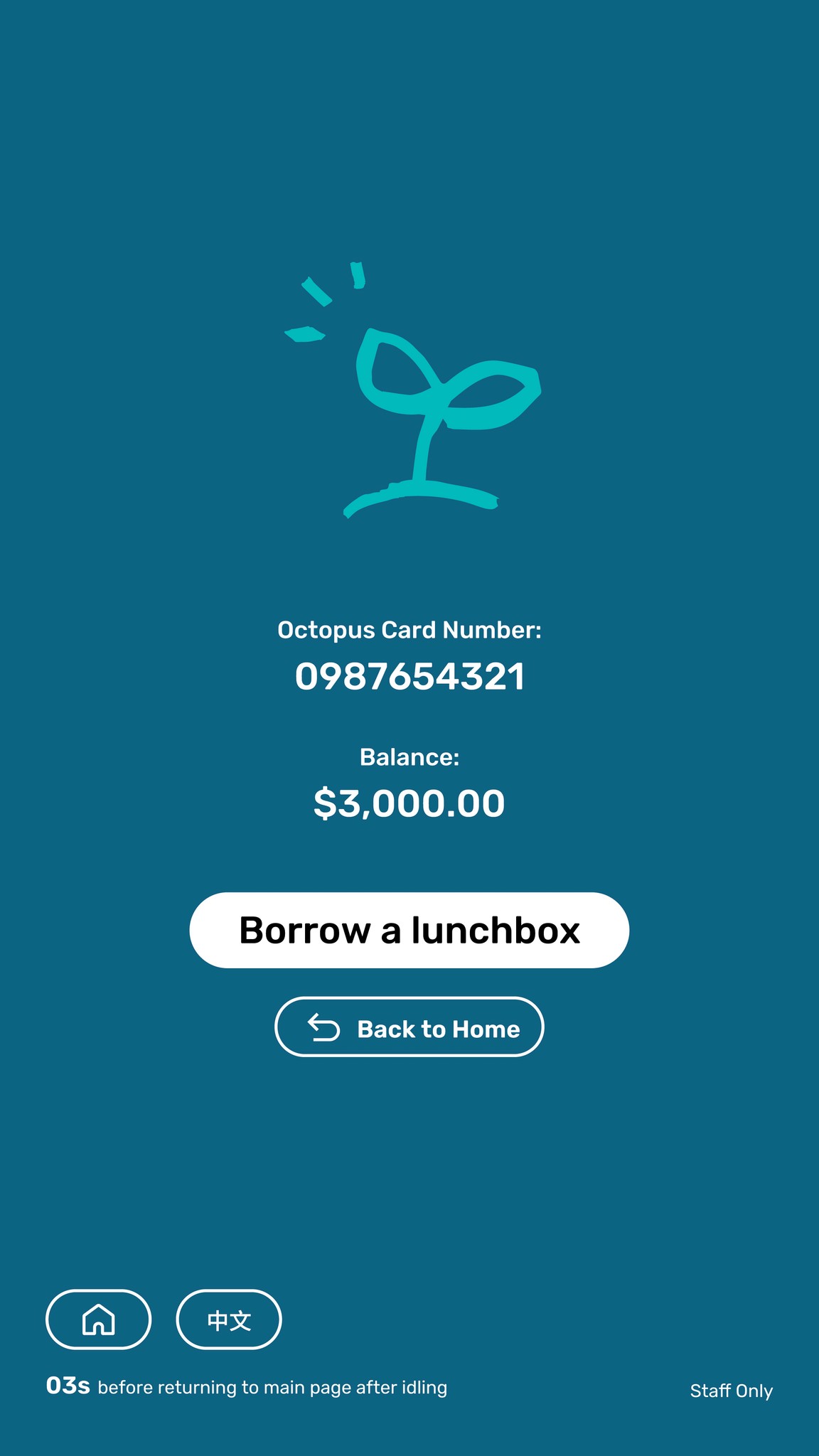
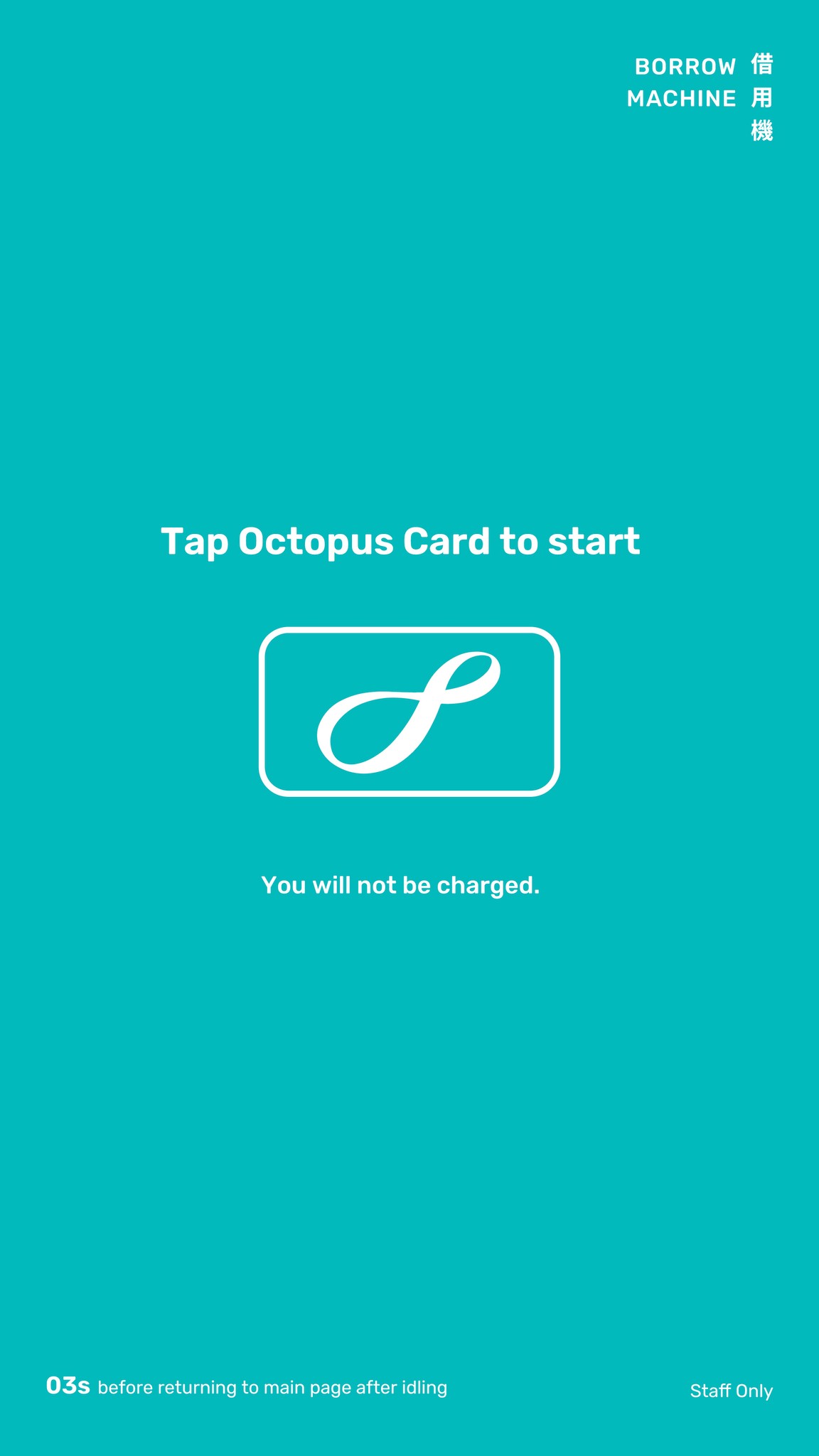
The Home and Language buttons are consistently fixed at the bottom of the screen, allowing users to easily start over or switch to their preferred language at any time during the process.
The Home and Language buttons are consistently fixed at the bottom of the screen, allowing users to easily start over or switch to their preferred language at any time during the process.
The Home and Language buttons are consistently fixed at the bottom of the screen, allowing users to easily start over or switch to their preferred language at any time during the process.
Error Prevention
Error Prevention
Error Prevention
Error Prevention
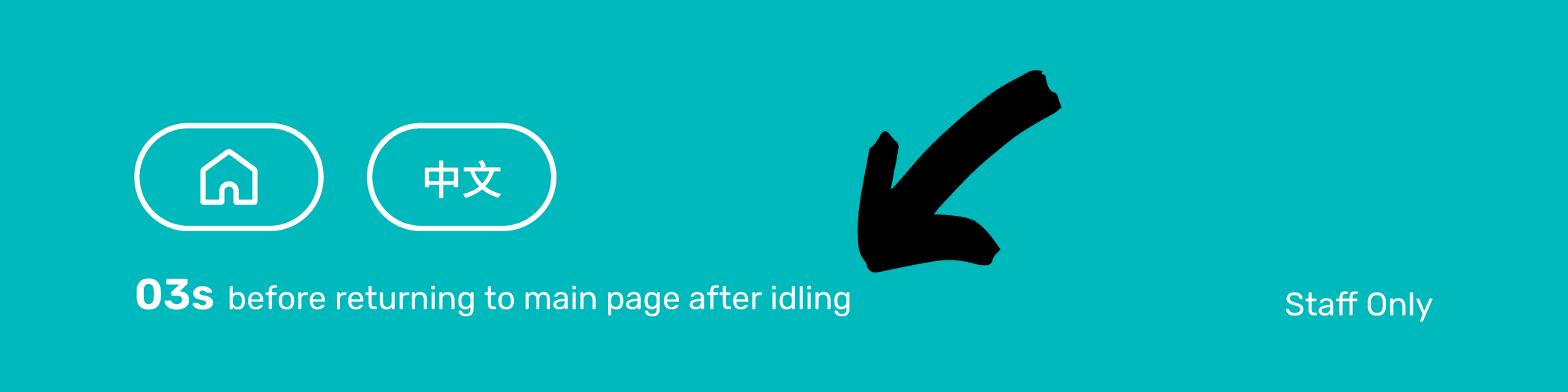
To prevent missteps, a visible countdown timer replaces the traditional cancel button. Users are given 60 seconds to complete each step—if no action is taken, the system automatically resets and returns to the home page.
To prevent missteps, a visible countdown timer replaces the traditional cancel button. Users are given 60 seconds to complete each step—if no action is taken, the system automatically resets and returns to the home page.
To prevent missteps, a visible countdown timer replaces the traditional cancel button. Users are given 60 seconds to complete each step—if no action is taken, the system automatically resets and returns to the home page.
Visibility of Status
Visibility of Status
Visibility of Status
Visibility of Status
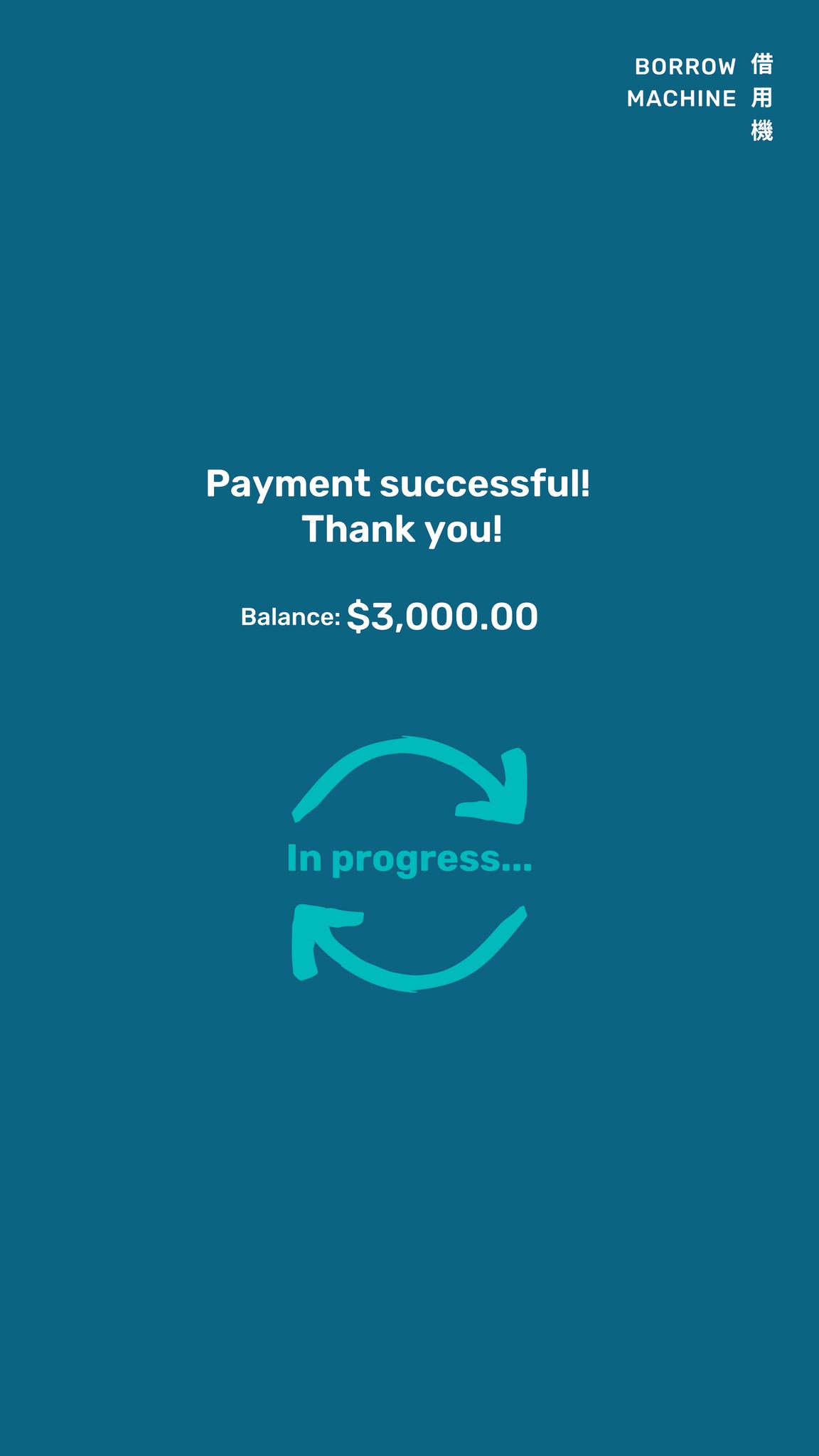
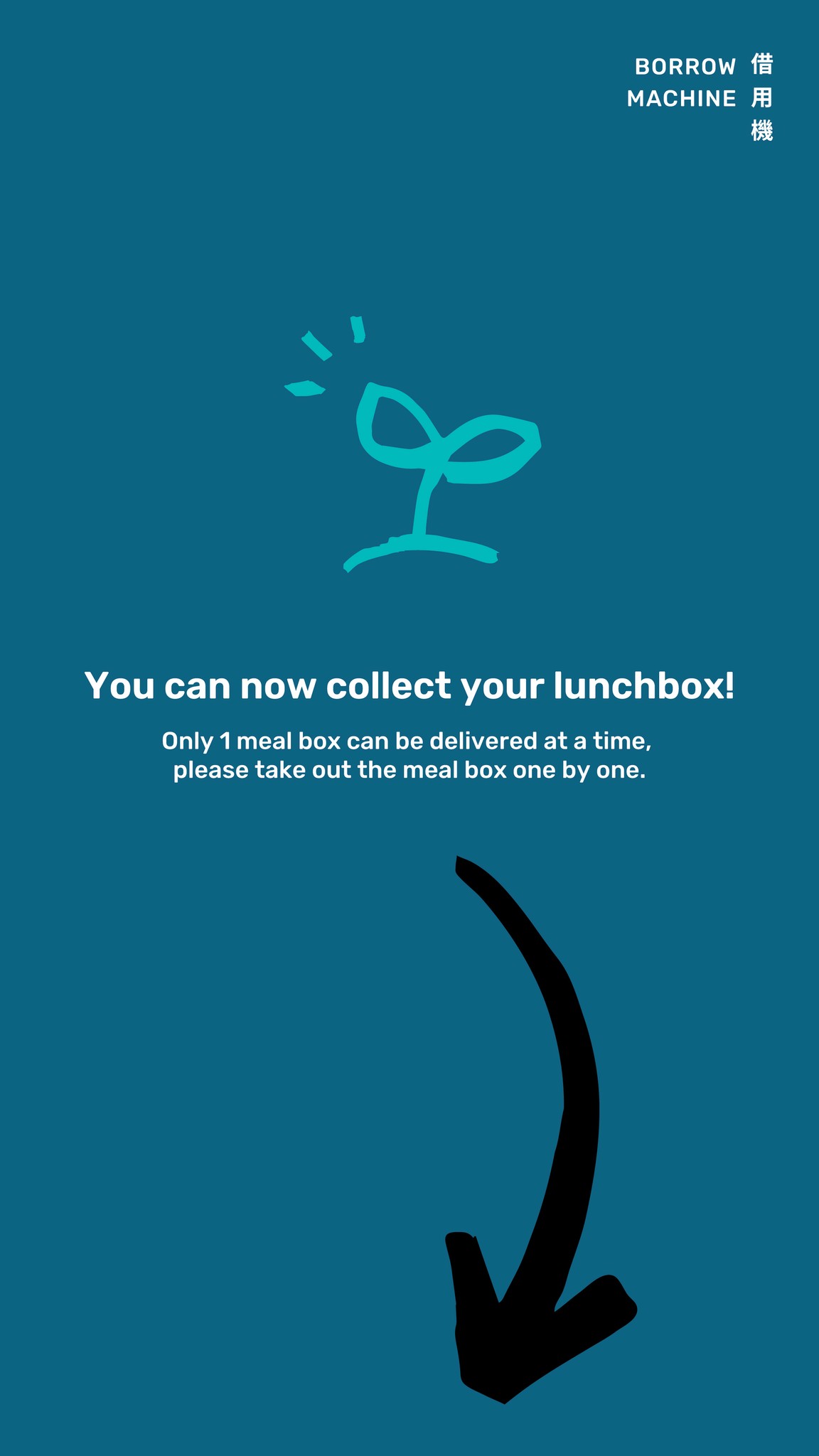
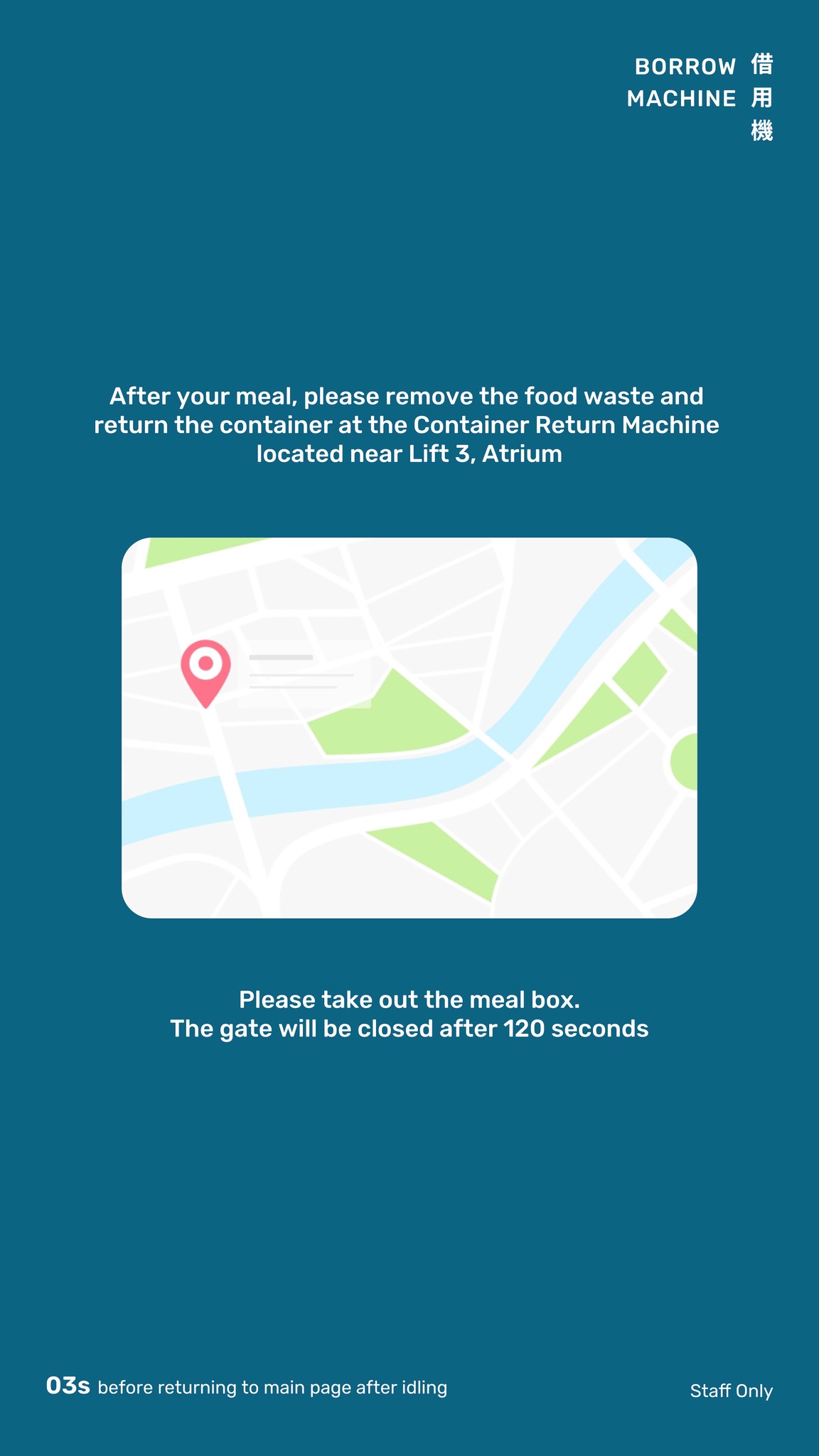
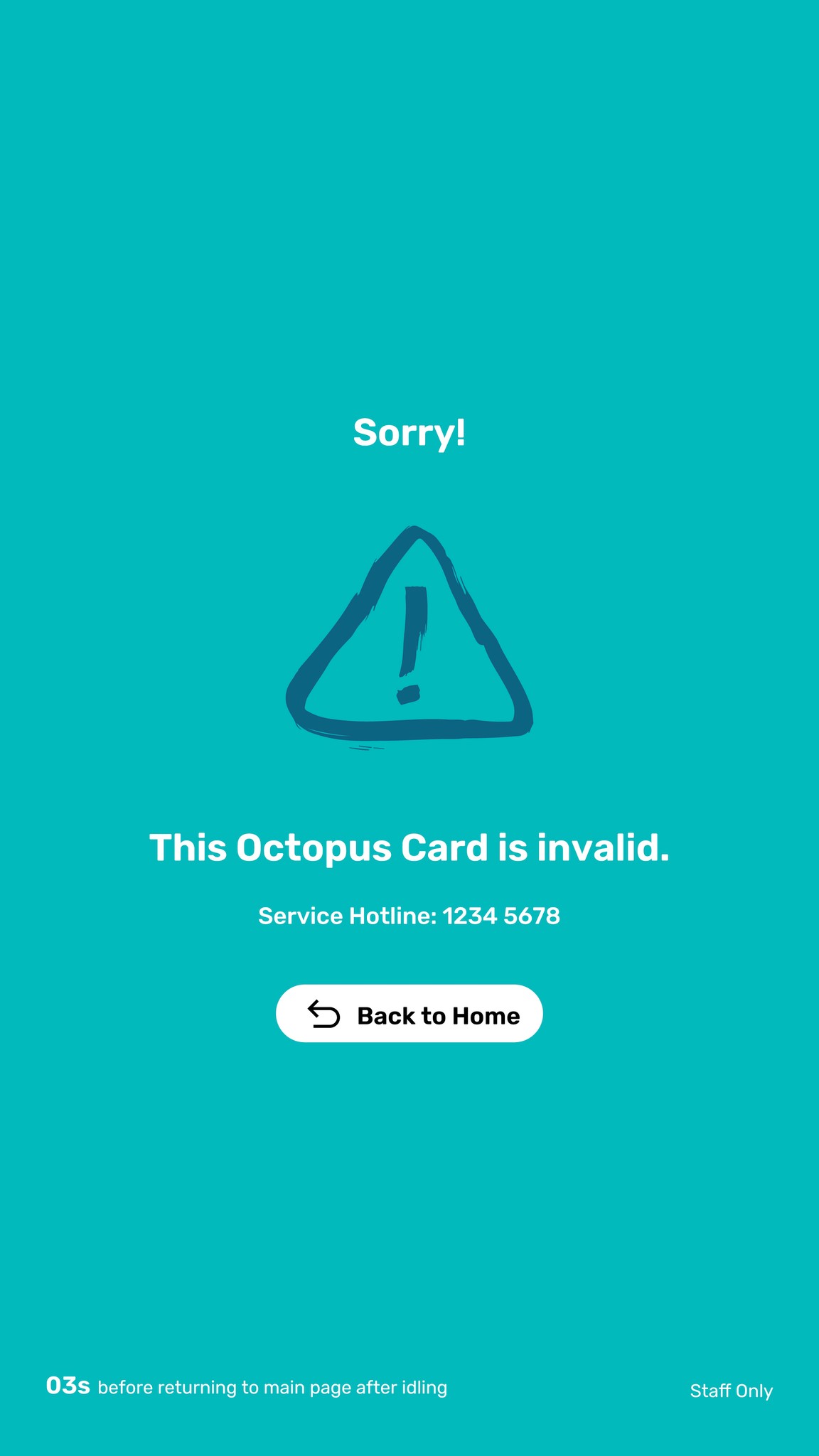
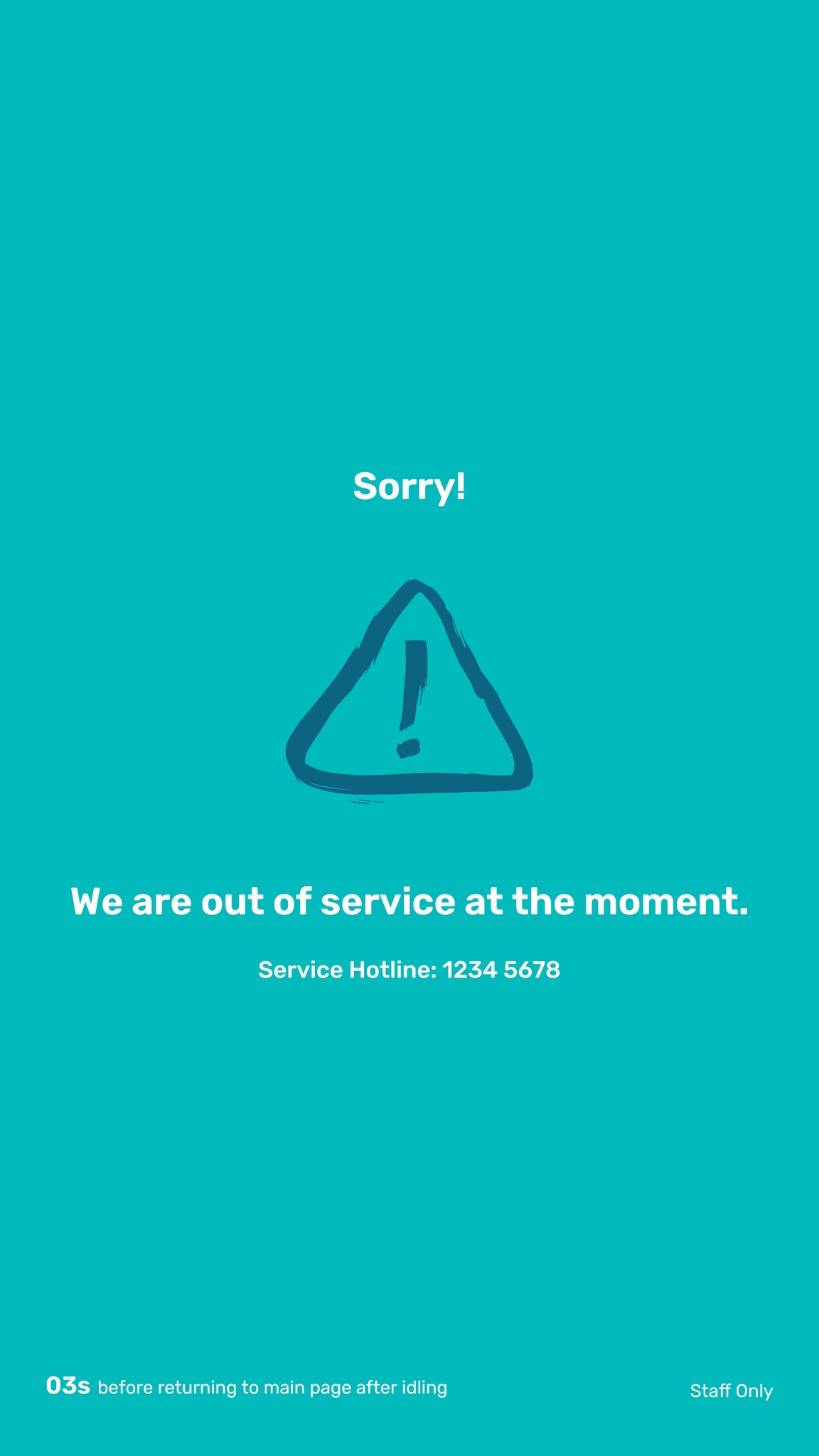
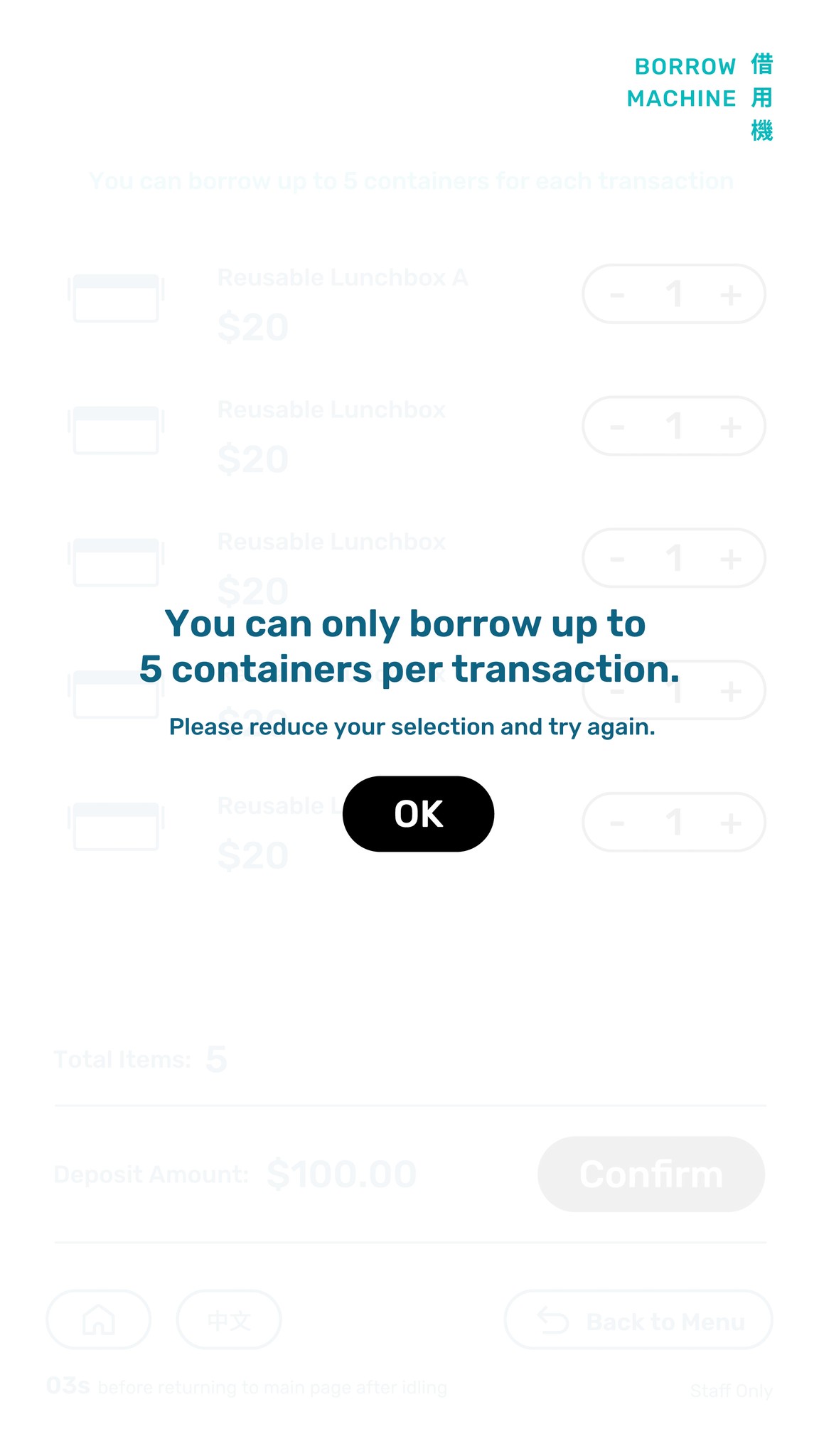
Color is used as a visual guide—turquoise screens indicate primary action pages, while blue pages confirm successful actions. Along with clear graphic icons, this system helps users understand their current stage in the process at a glance. Error Recovery In case of an error or interruption, Try Again and Cancel buttons are provided, allowing users to quickly recover. When no action is possible, the system will guide users back to the home page.
Color is used as a visual guide—turquoise screens indicate primary action pages, while blue pages confirm successful actions. Along with clear graphic icons, this system helps users understand their current stage in the process at a glance. Error Recovery In case of an error or interruption, Try Again and Cancel buttons are provided, allowing users to quickly recover. When no action is possible, the system will guide users back to the home page.
Color is used as a visual guide—turquoise screens indicate primary action pages, while blue pages confirm successful actions. Along with clear graphic icons, this system helps users understand their current stage in the process at a glance. Error Recovery In case of an error or interruption, Try Again and Cancel buttons are provided, allowing users to quickly recover. When no action is possible, the system will guide users back to the home page.




Error Recovery
Error Recovery
Error Recovery
Error Recovery
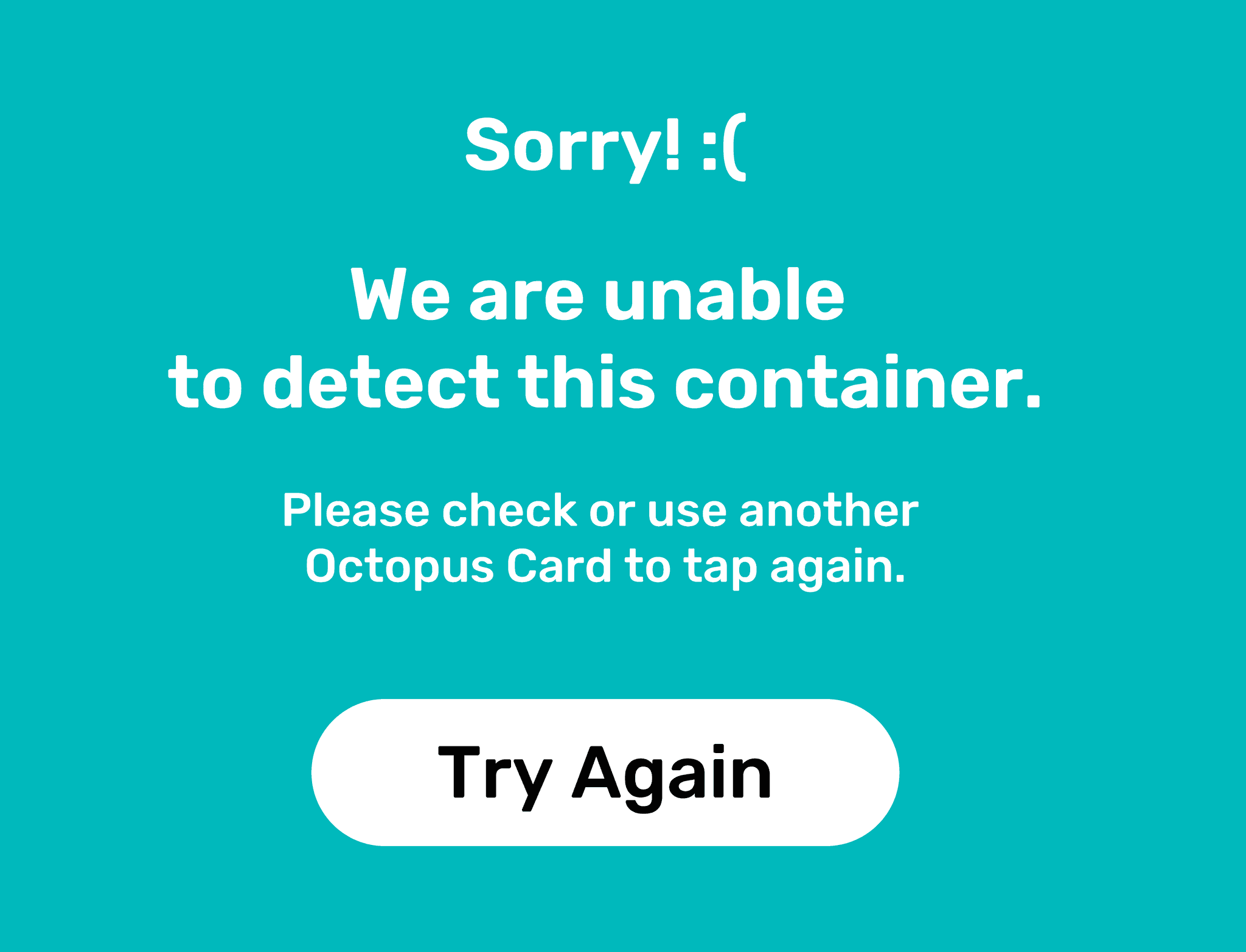
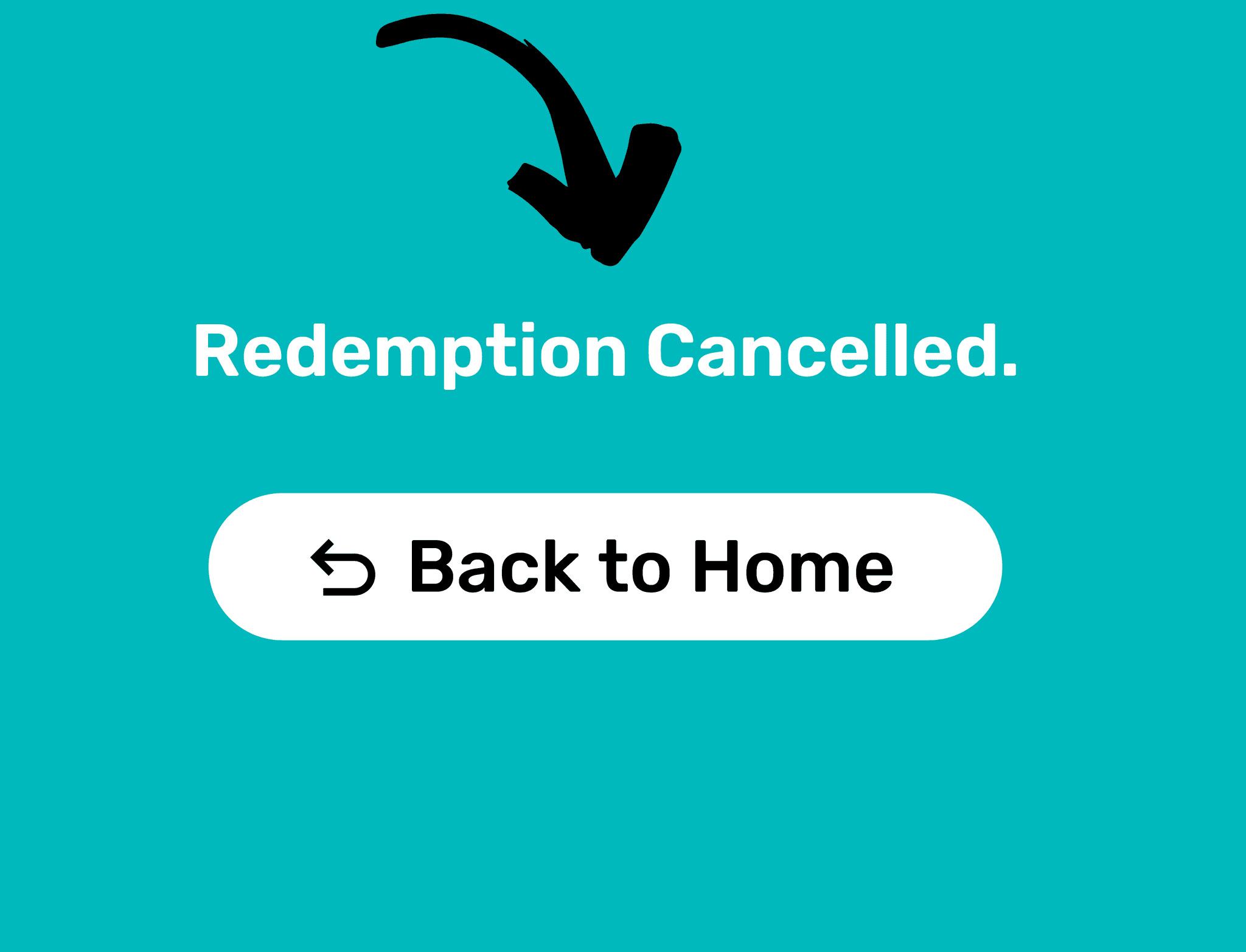
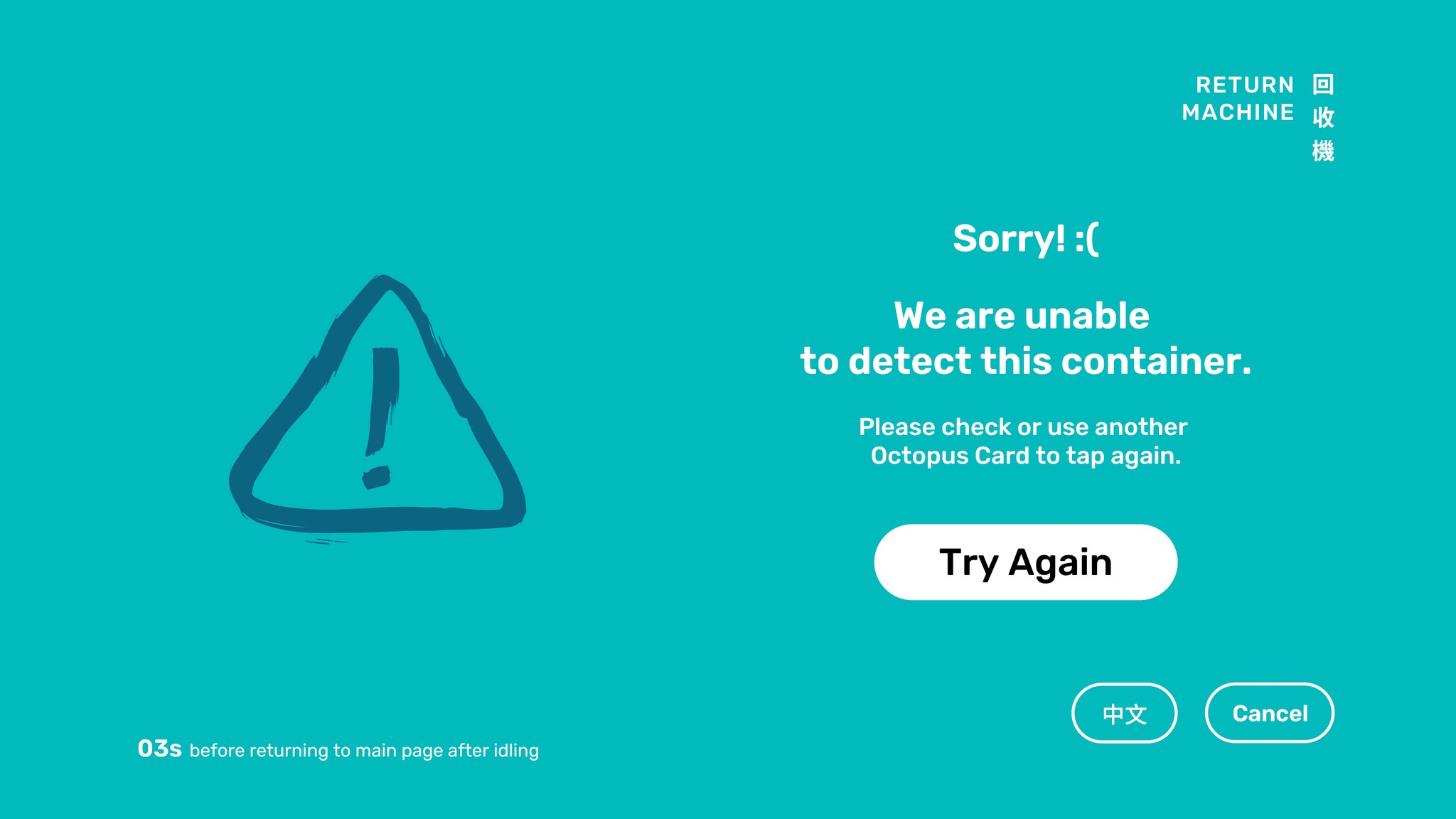
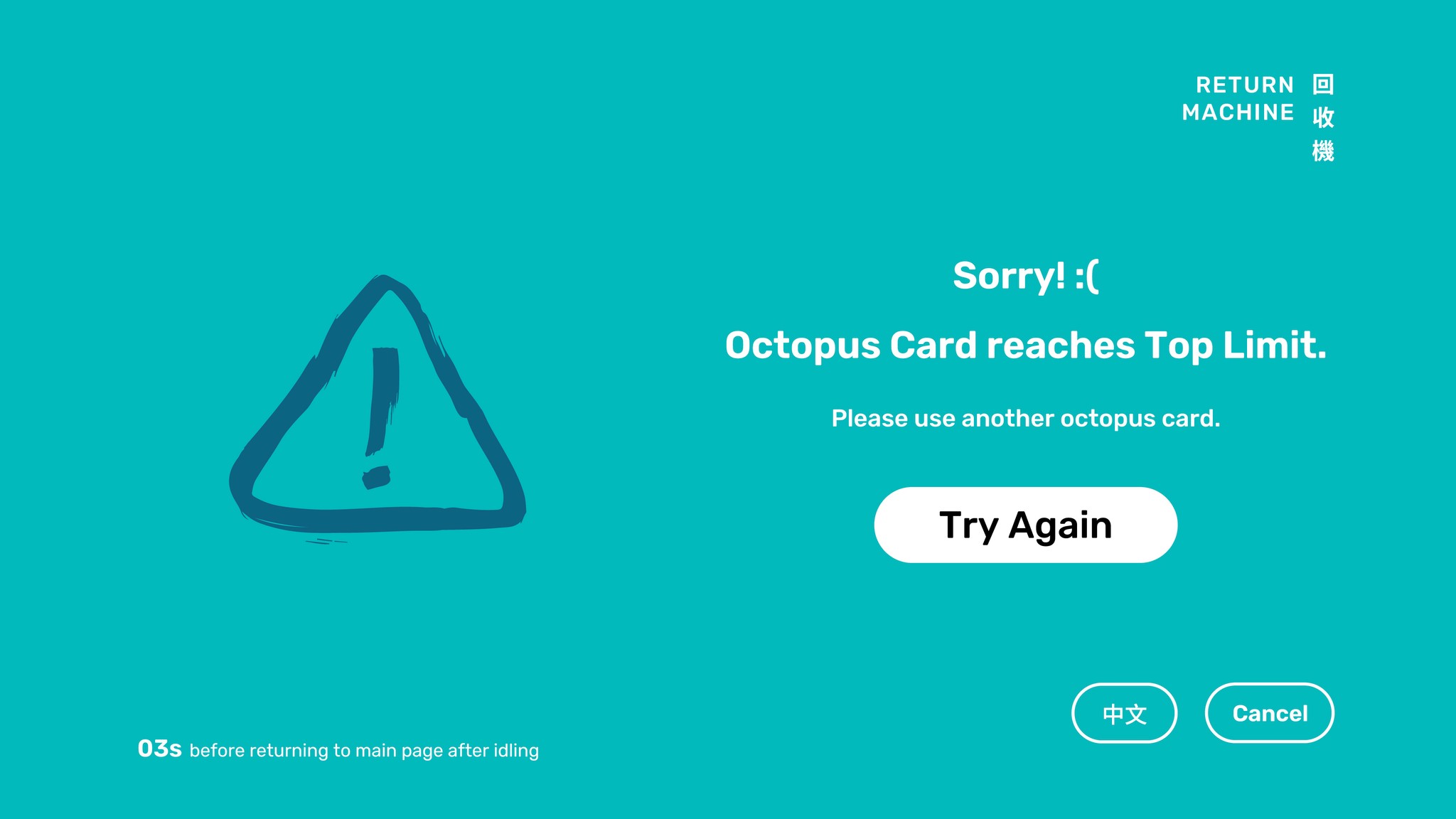
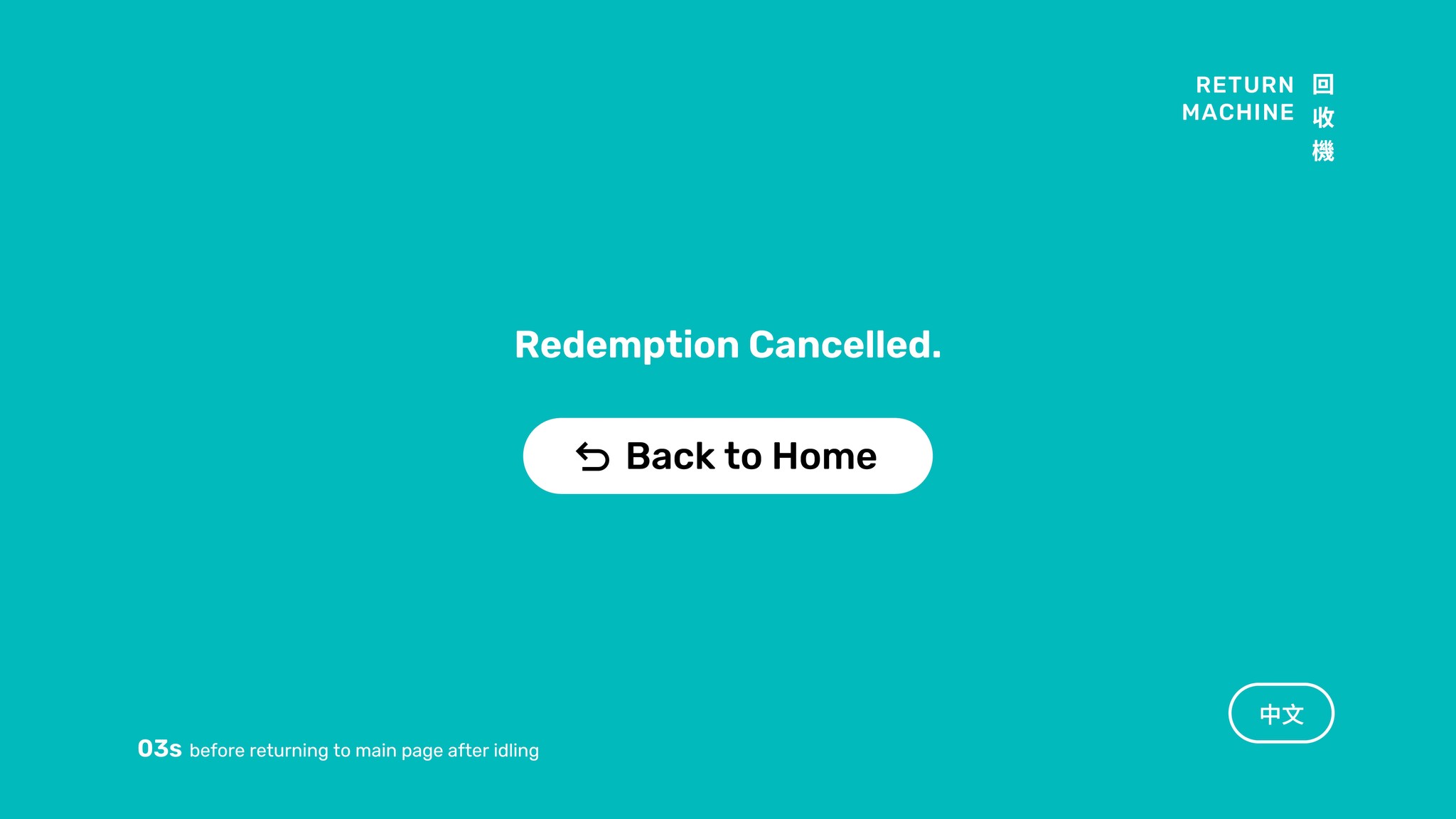
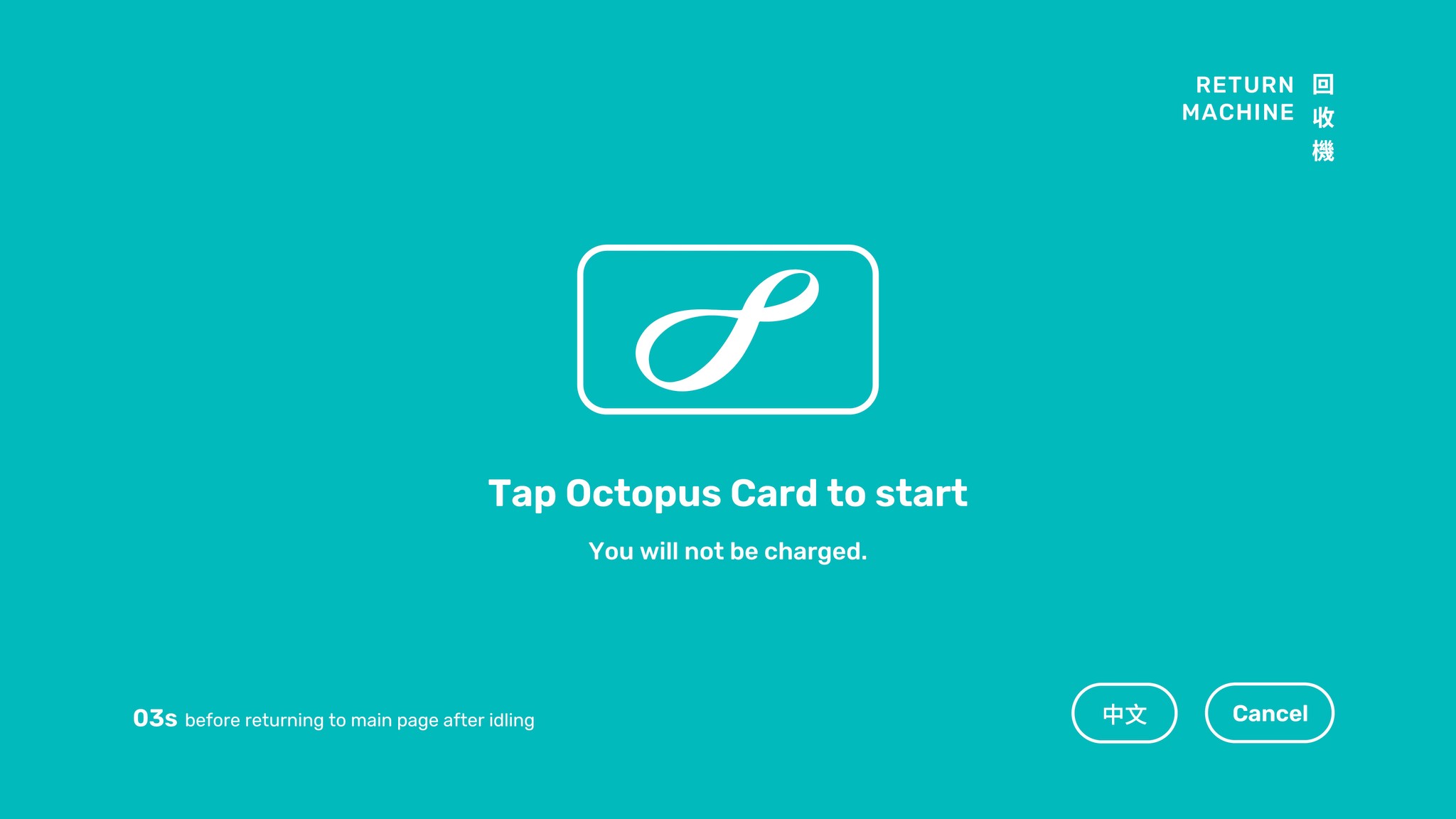
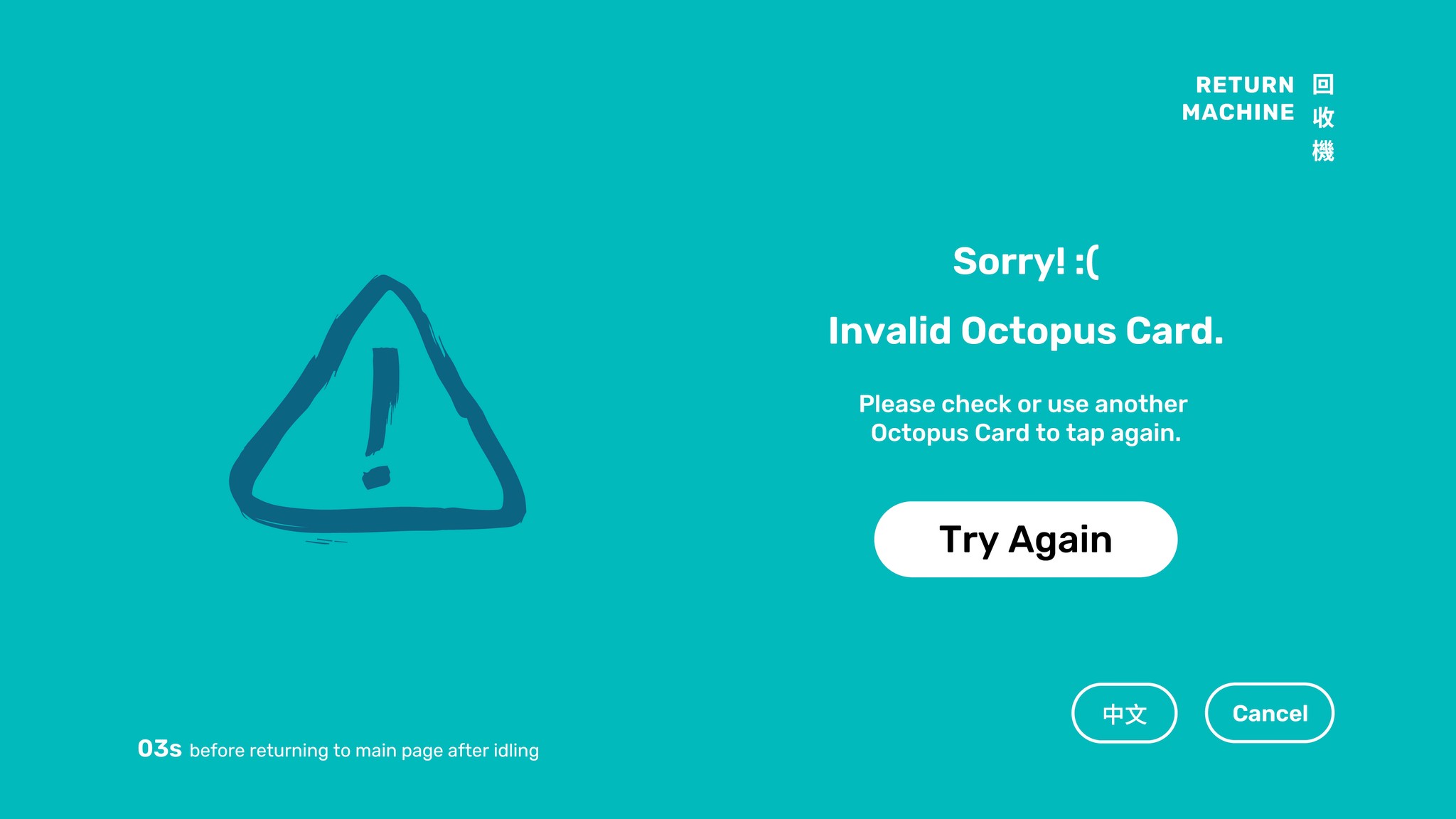
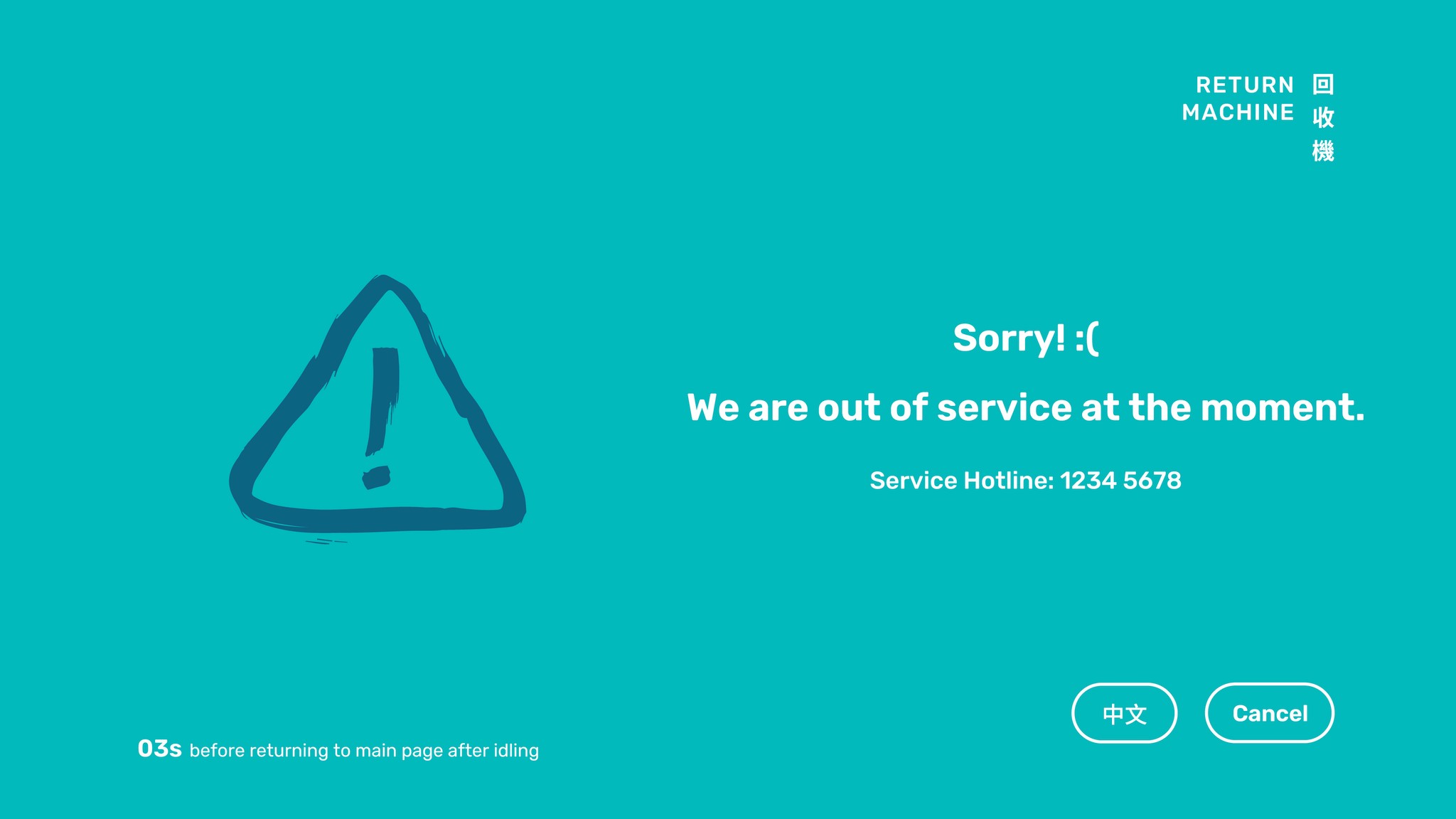
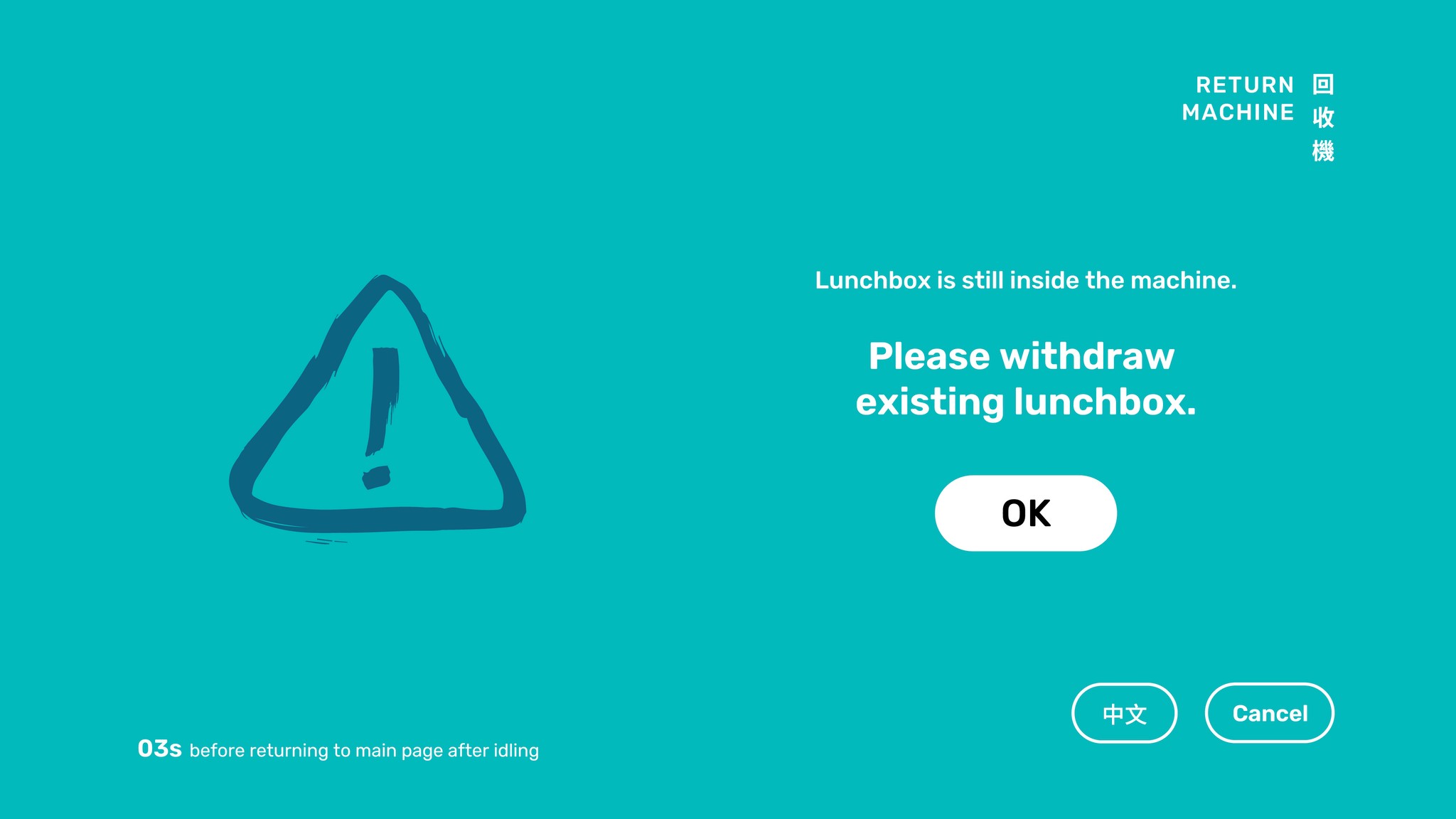
In case of an error or interruption, Try Again and Cancel buttons are provided, allowing users to quickly recover. When no action is possible, the system will guide users back to the home page.
In case of an error or interruption, Try Again and Cancel buttons are provided, allowing users to quickly recover. When no action is possible, the system will guide users back to the home page.
In case of an error or interruption, Try Again and Cancel buttons are provided, allowing users to quickly recover. When no action is possible, the system will guide users back to the home page.

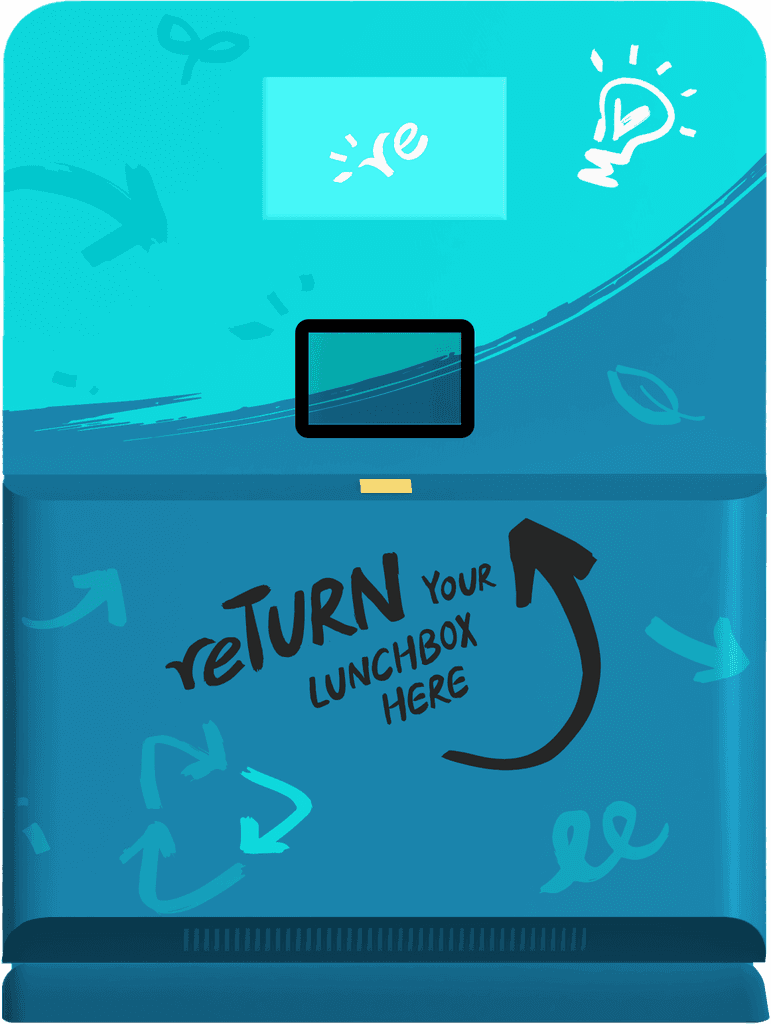
Return Machine
Return Machine
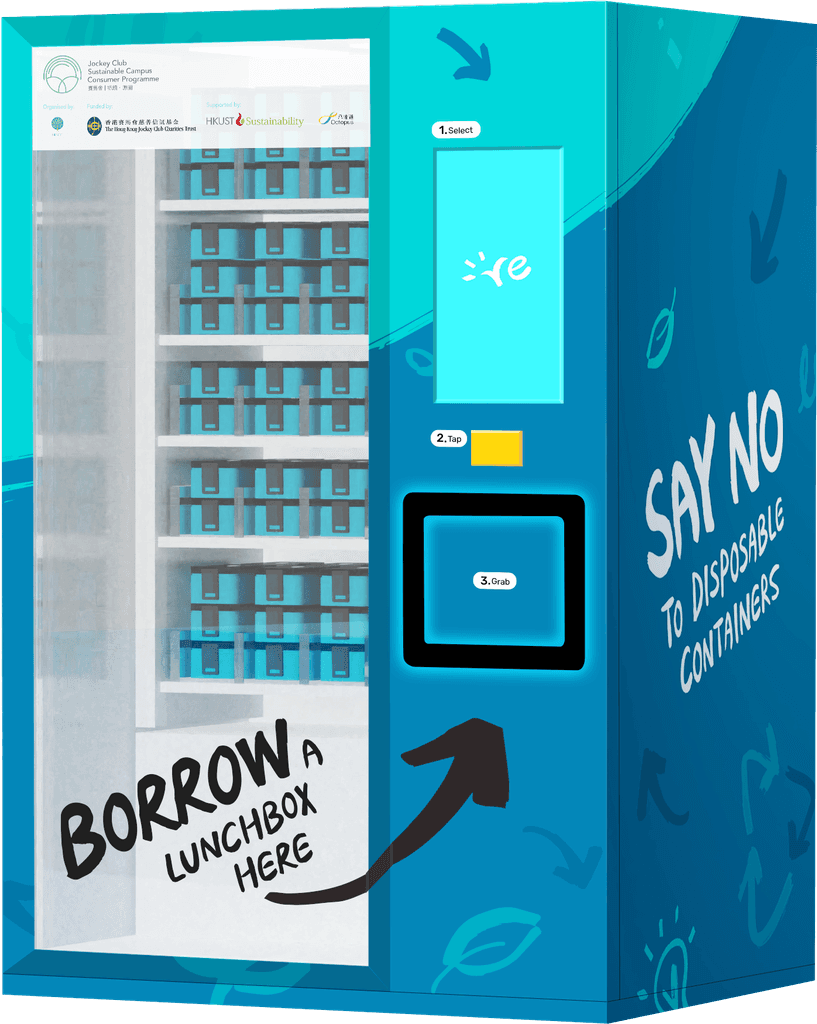
Borrow Machine
Borrow Machine
User Journey
User Journey
User Journey
|
|
|
Borrow Machine
Borrow Machine
Borrow Machine
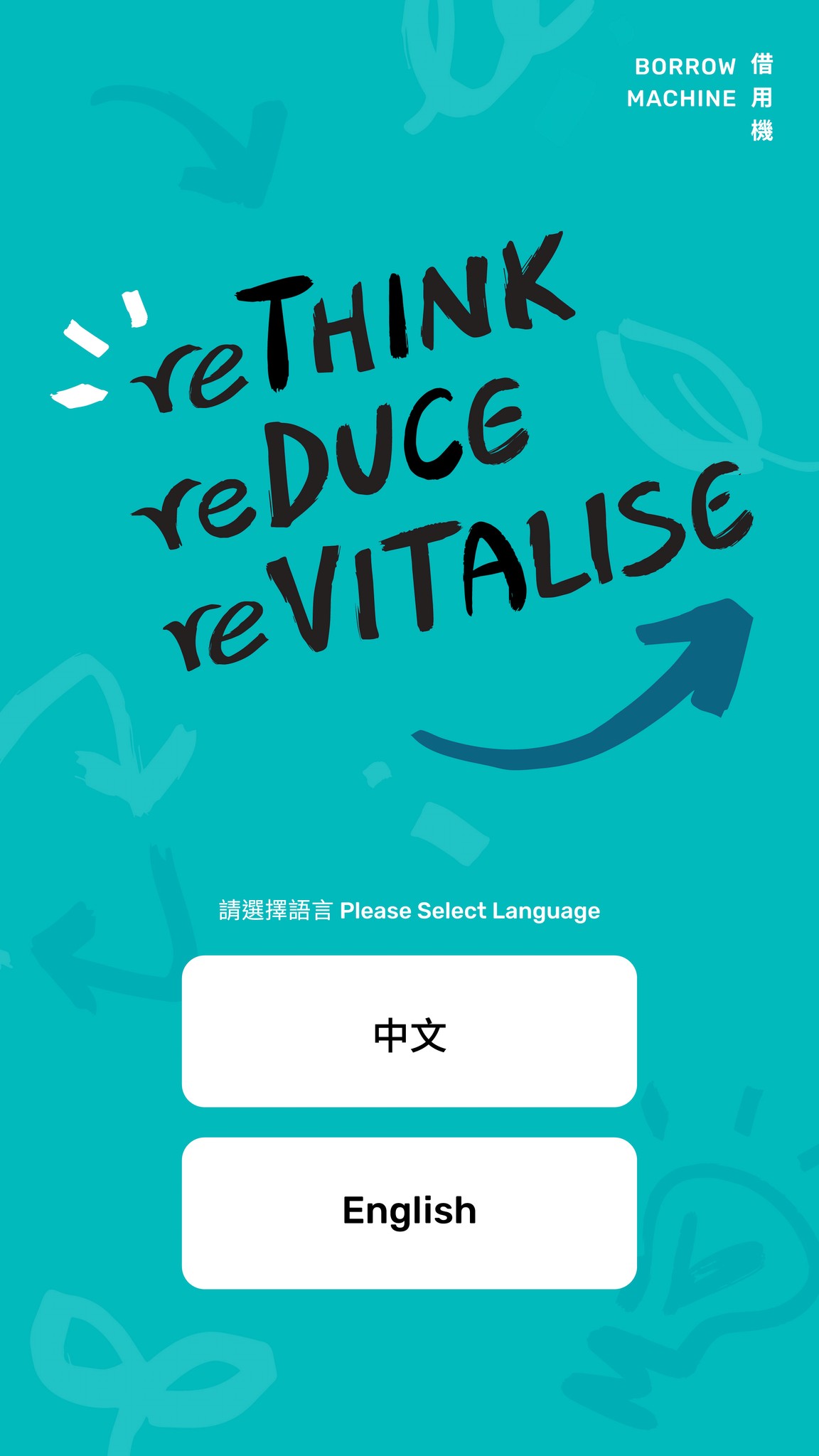
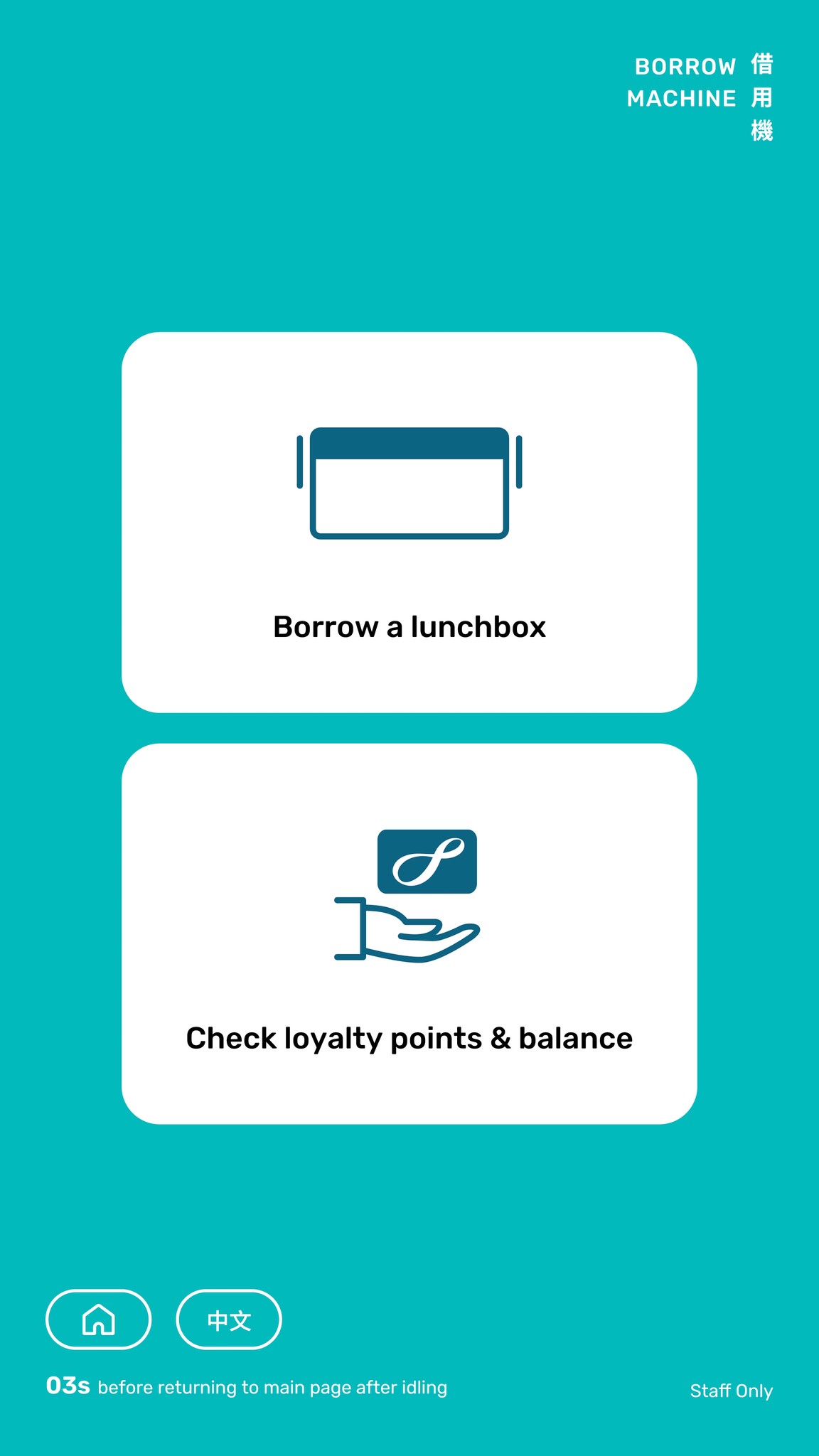
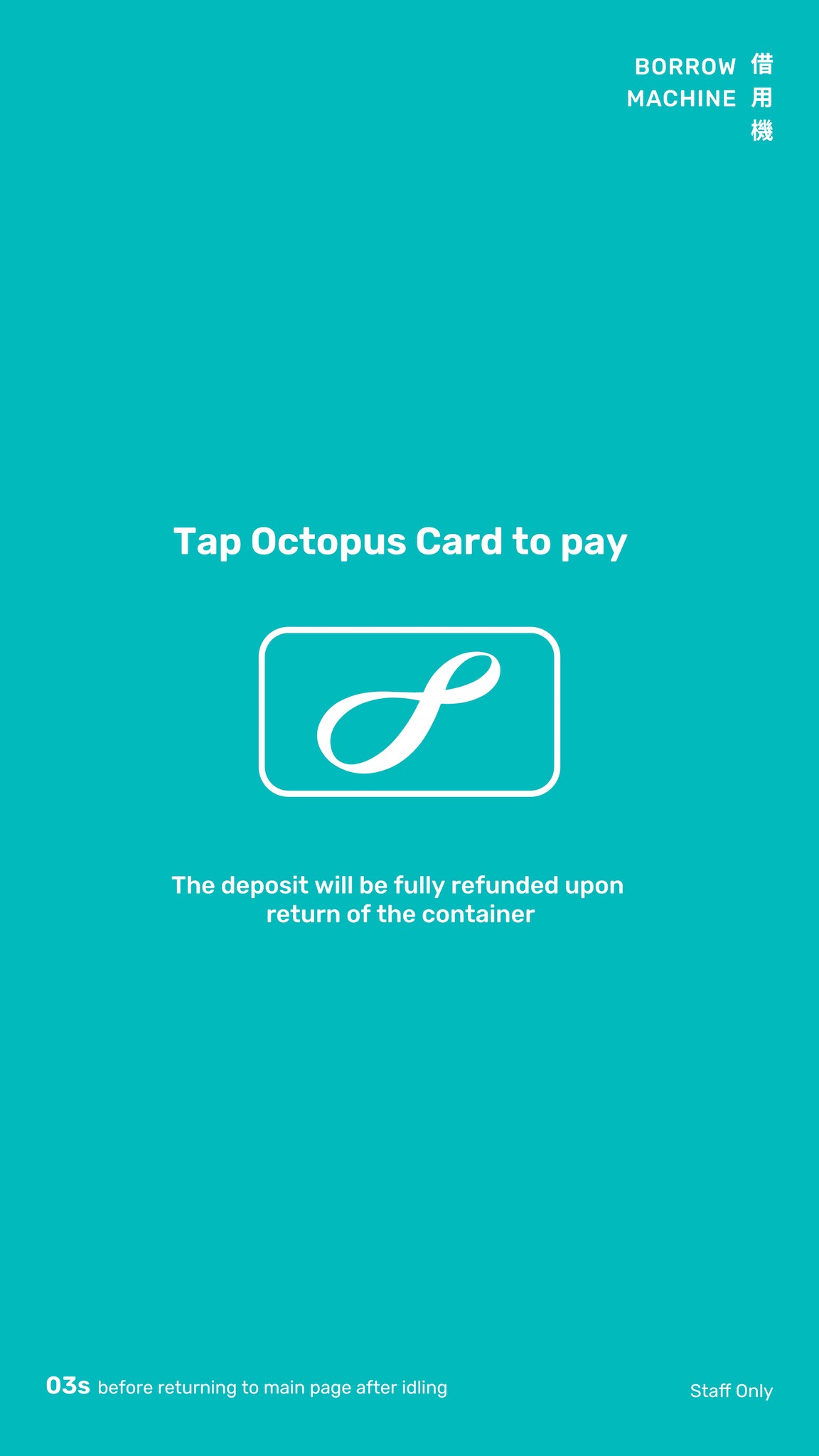
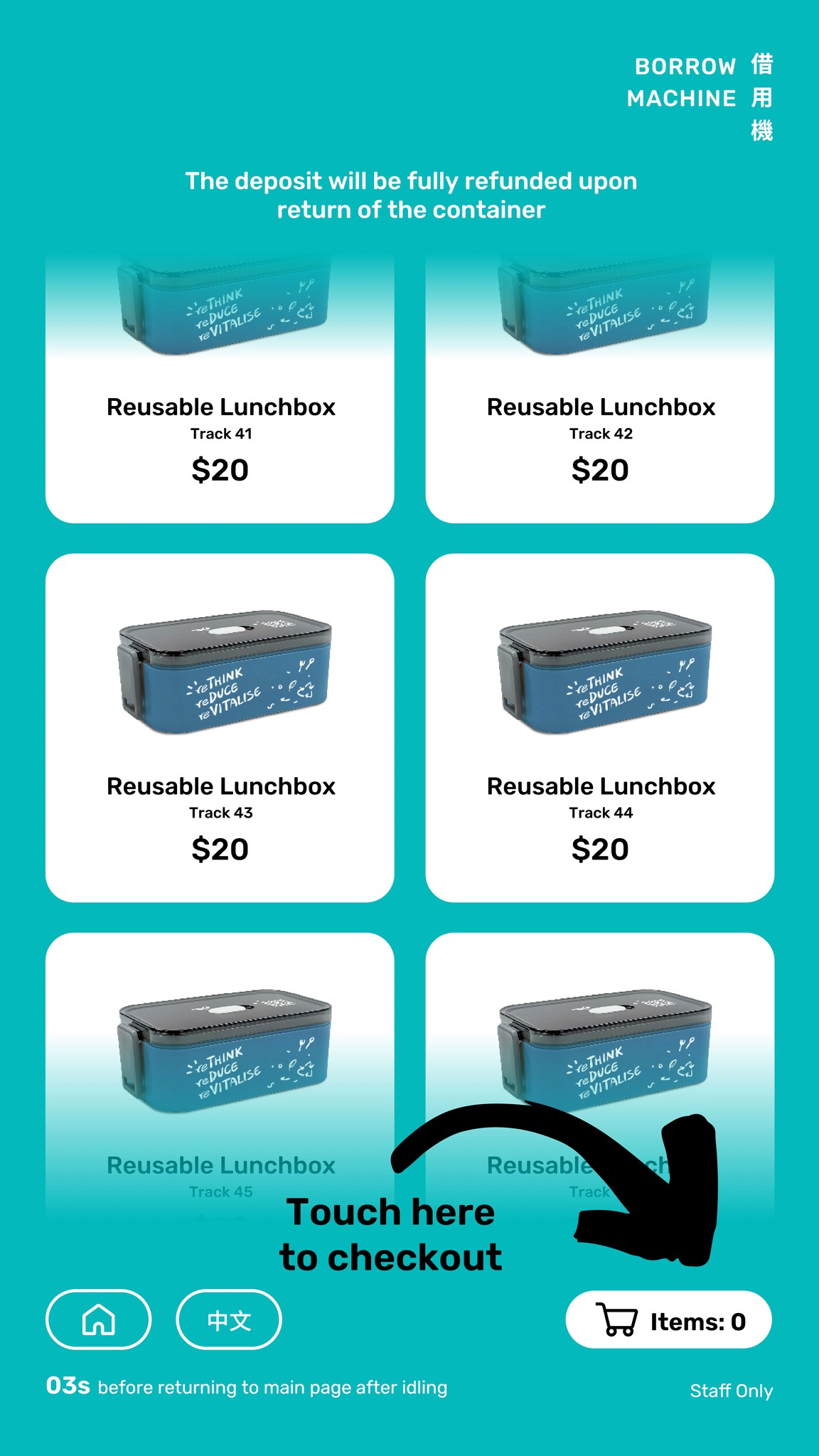
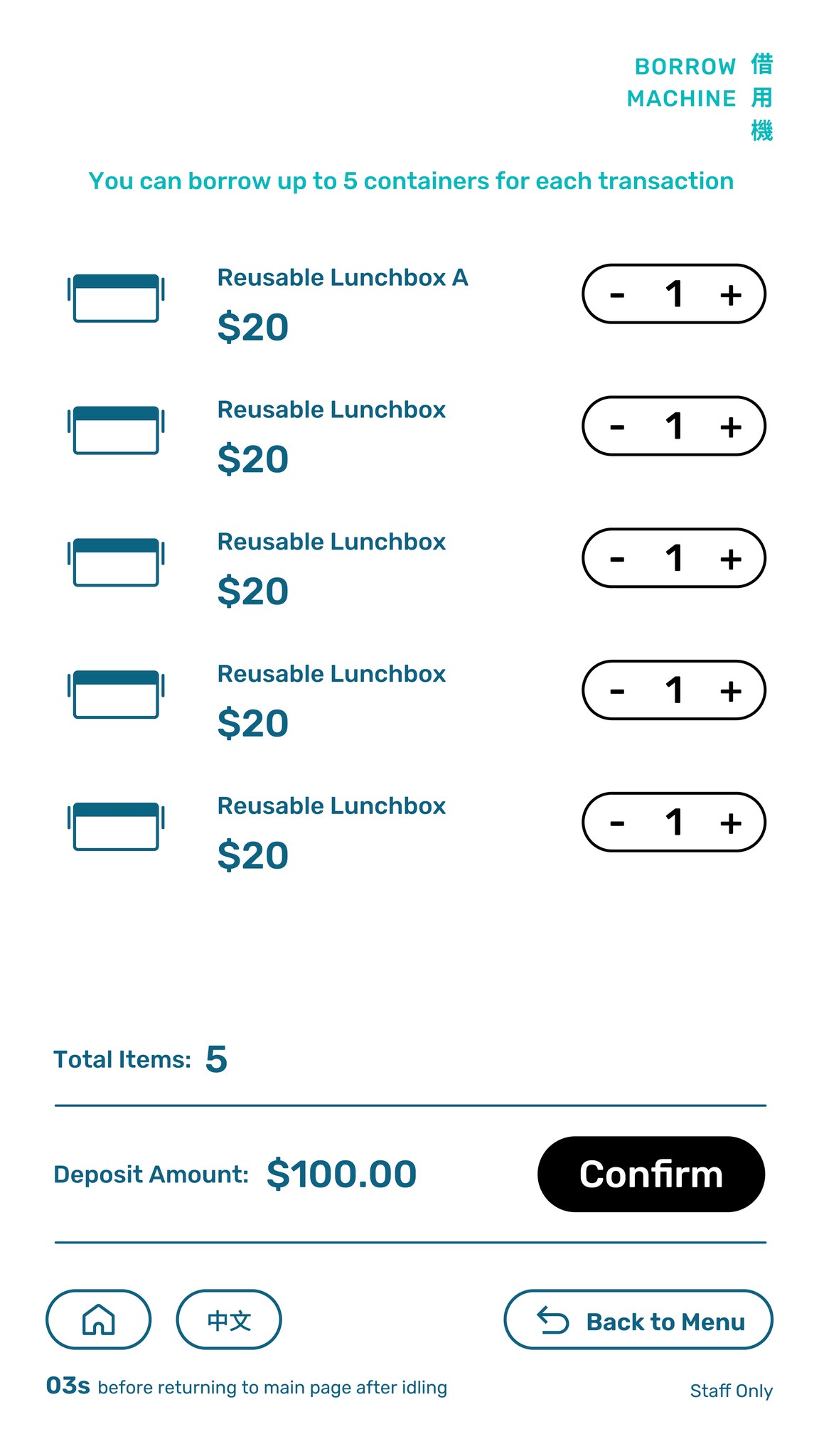
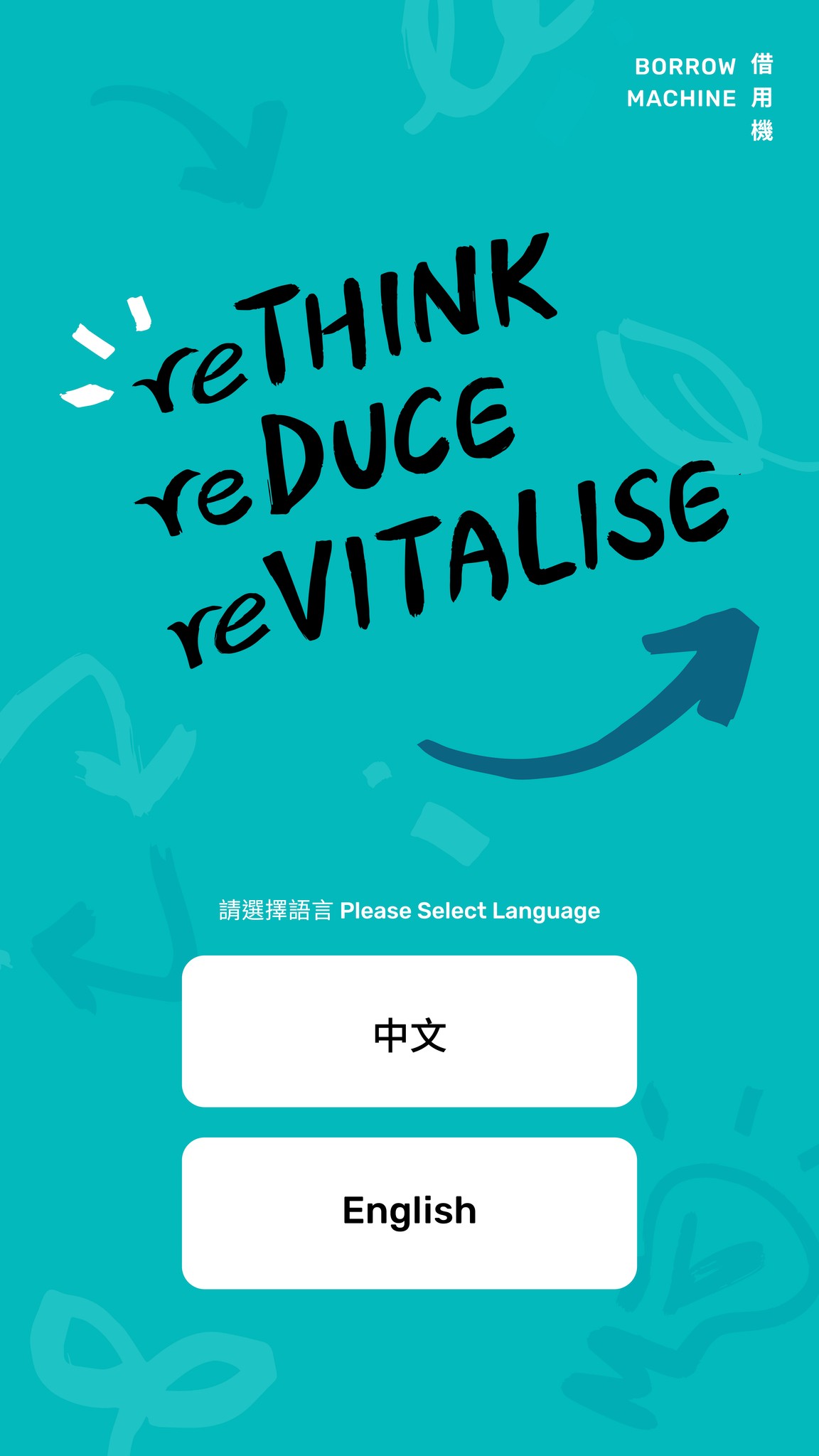
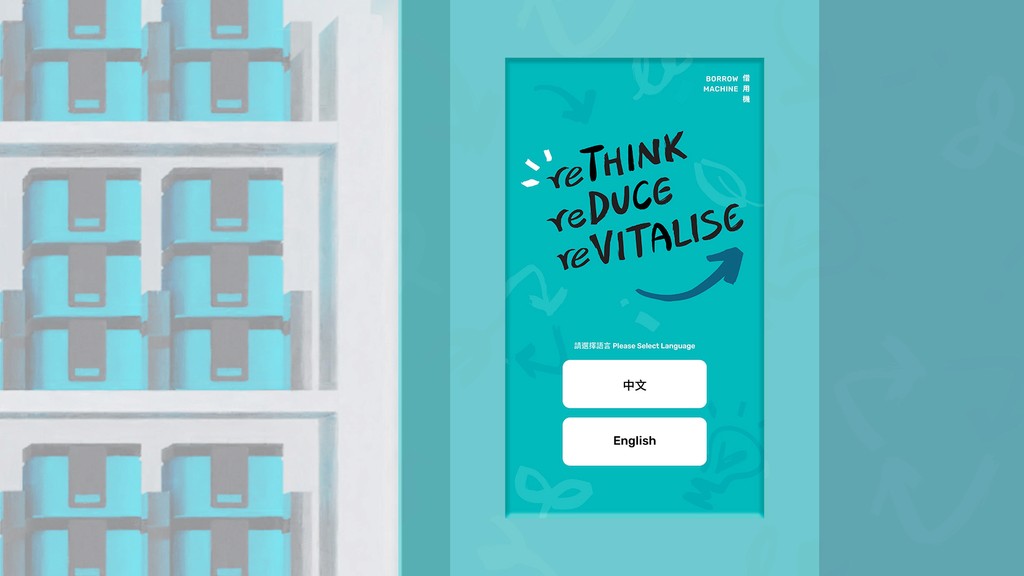
Colours are used not only decoratively but also functionally—to help users identify which stage of the process they’re in. Bold black visual elements bridge the digital interface and the physical structure of the machine, enhancing clarity and cohesion. The UI guides users through two core services: borrowing lunchboxes or checking loyalty points. Both services are seamlessly linked, allowing users to switch from one to the other depending on their needs.
Colours are used not only decoratively but also functionally—to help users identify which stage of the process they’re in. Bold black visual elements bridge the digital interface and the physical structure of the machine, enhancing clarity and cohesion. The UI guides users through two core services: borrowing lunchboxes or checking loyalty points. Both services are seamlessly linked, allowing users to switch from one to the other depending on their needs.
Colours are used not only decoratively but also functionally—to help users identify which stage of the process they’re in. Bold black visual elements bridge the digital interface and the physical structure of the machine, enhancing clarity and cohesion. The UI guides users through two core services: borrowing lunchboxes or checking loyalty points. Both services are seamlessly linked, allowing users to switch from one to the other depending on their needs.
Primary
Primary
Secondary
Secondary
Alternative
Alternative
Actions
Actions
Ideal User Flow
Ideal User Flow
Ideal User Flow
Ideal User Flow
1.
1.
1.
Borrow
Borrow
Borrow
Choose Service
Choose Service
Choose Service
Choose Service

Tap Card
Tap Card
Tap Card
Tap Card
Collect Lunchbox
Collect Lunchbox
Collect Lunchbox
Collect Lunchbox
Complete
Complete
Complete
Complete
2.
2.
2.
Check Points
Check Points
Check Points
Choose Service
Choose Service
Choose Service
Choose Service
Tap Card
Tap Card
Tap Card
Tap Card
Complete
Complete
Complete
Complete
Primary
Secondary
Alternative
Actions
User Journey
User Journey
User Journey
User Journey
|
|
|
|
Return Machine
Return Machine
Return Machine
Return Machine
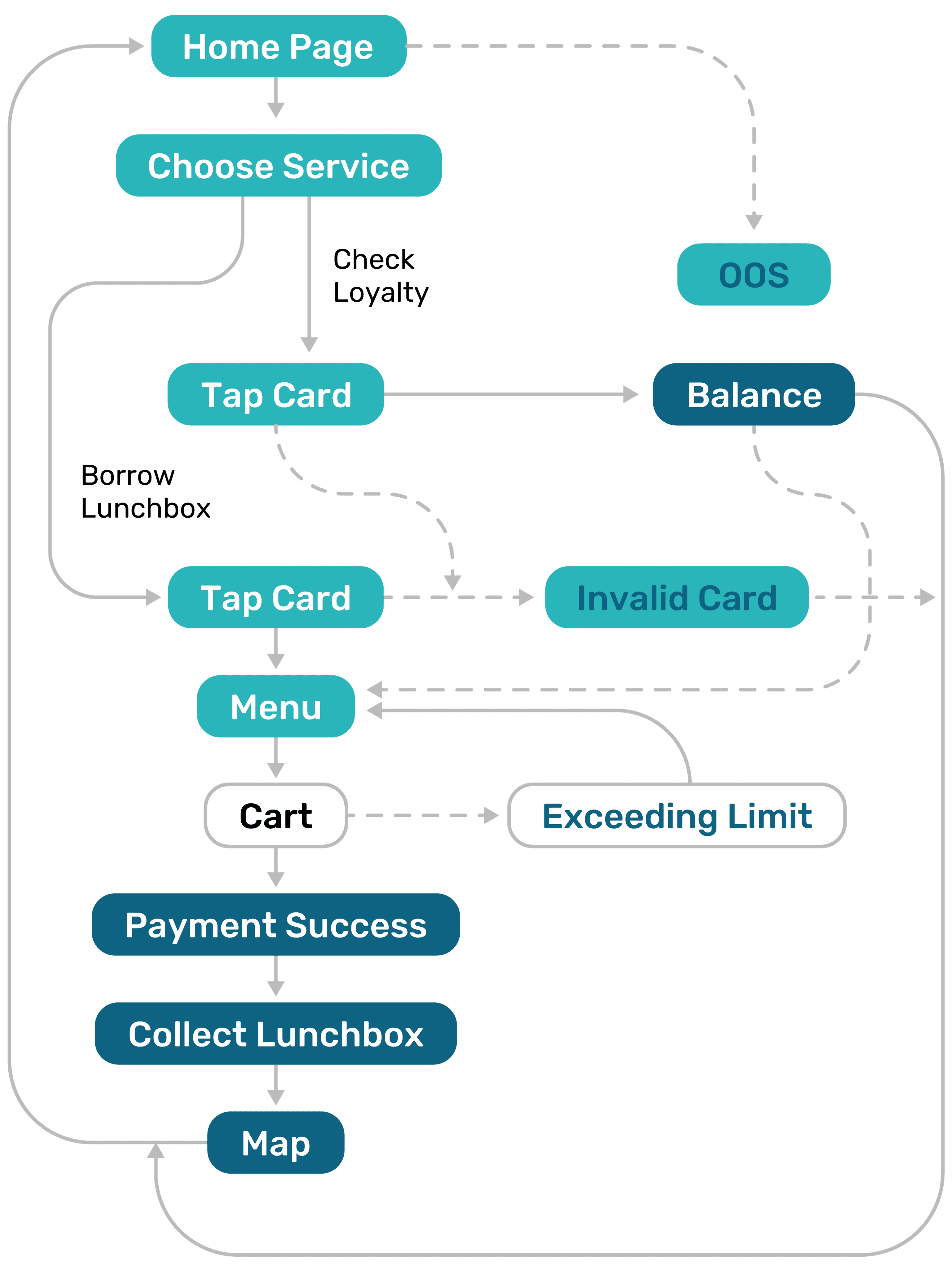
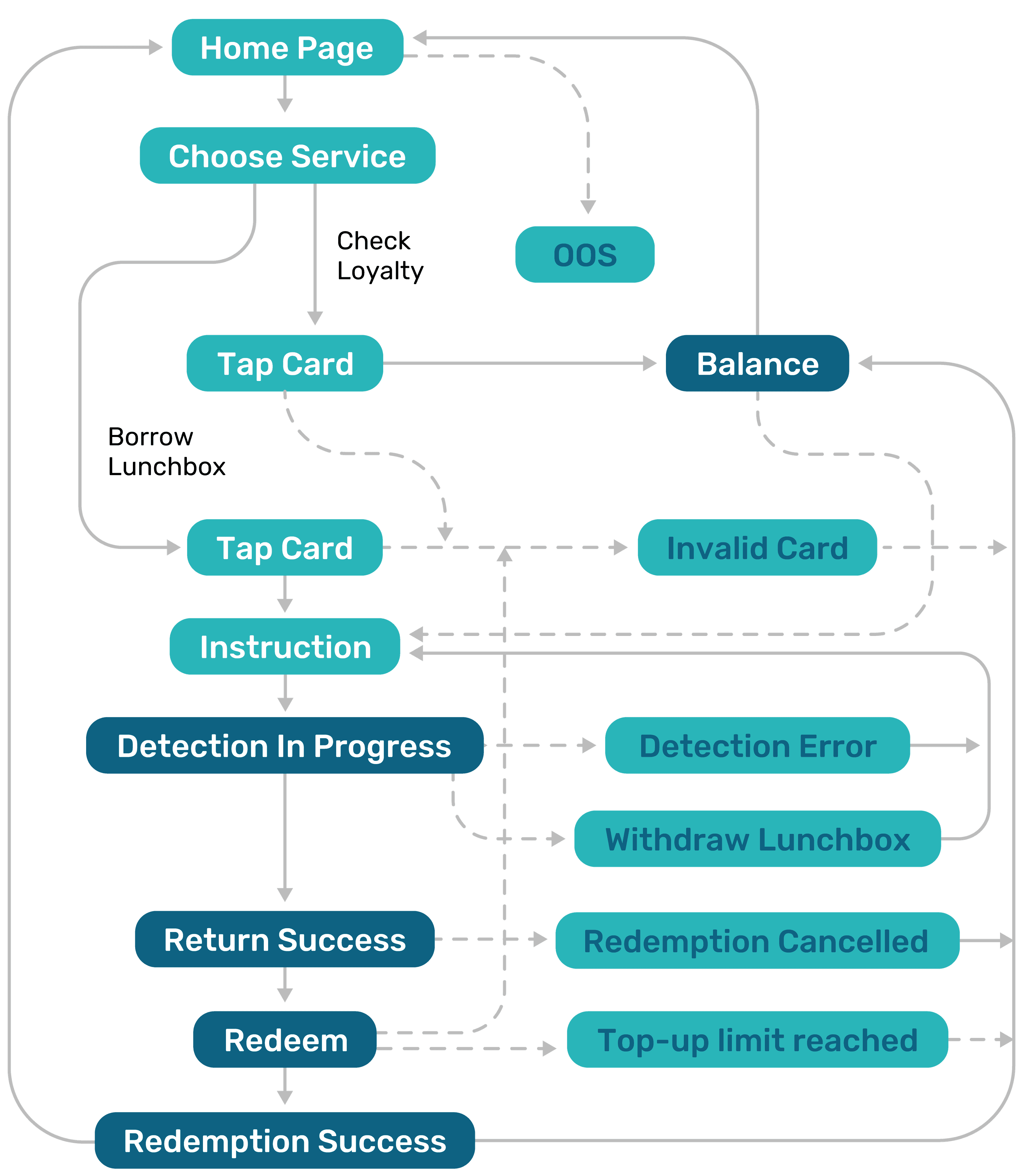
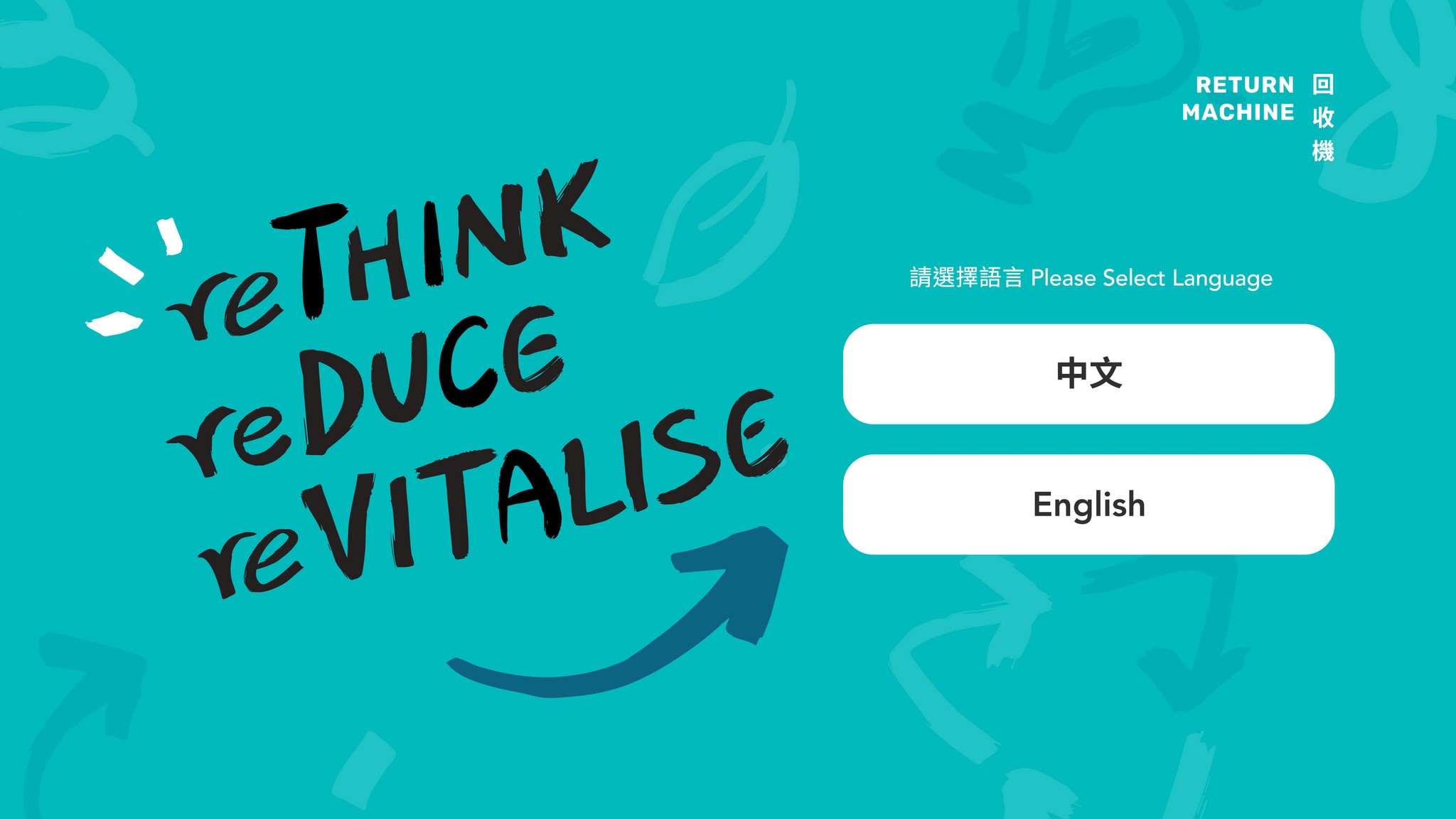
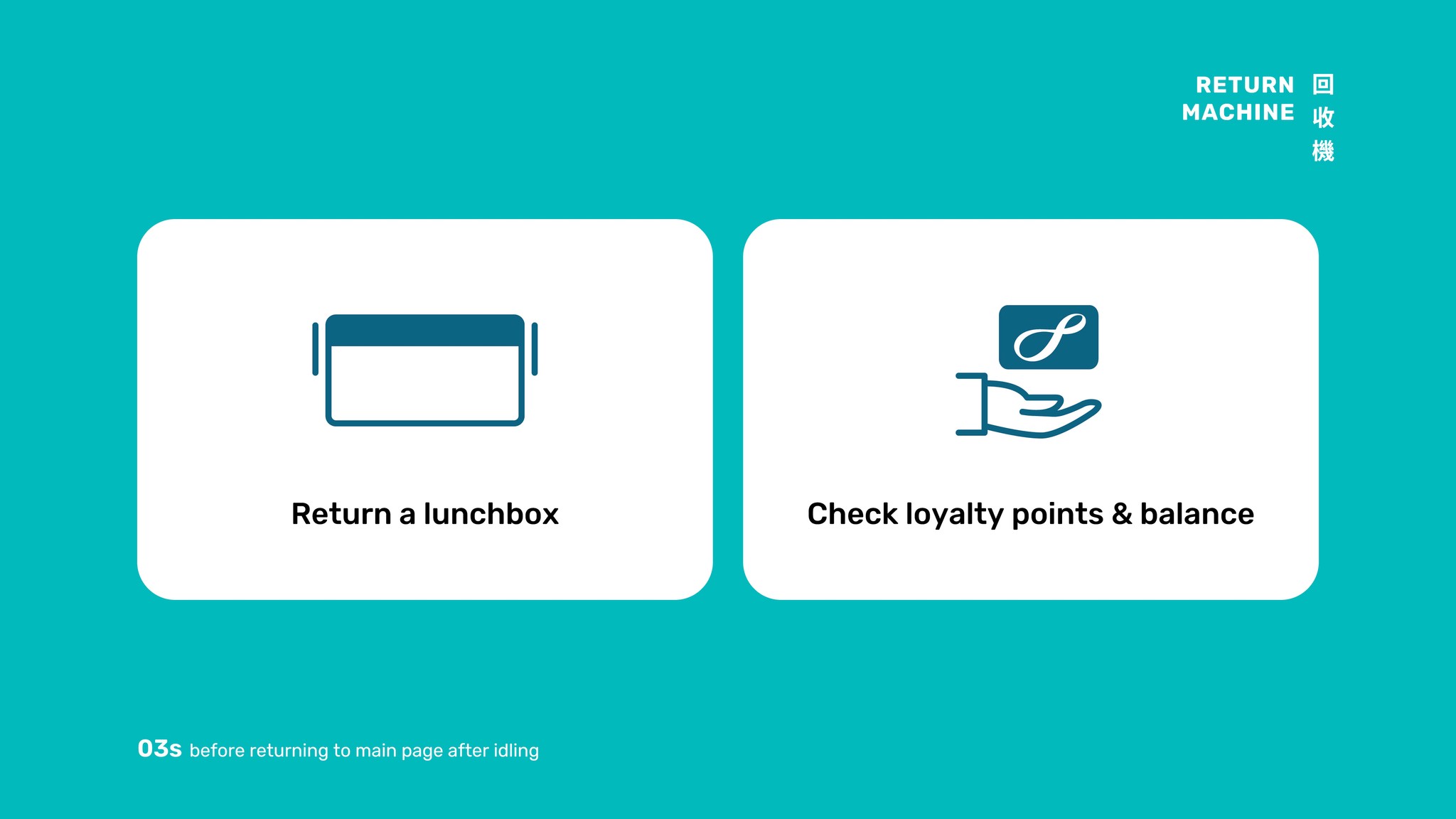
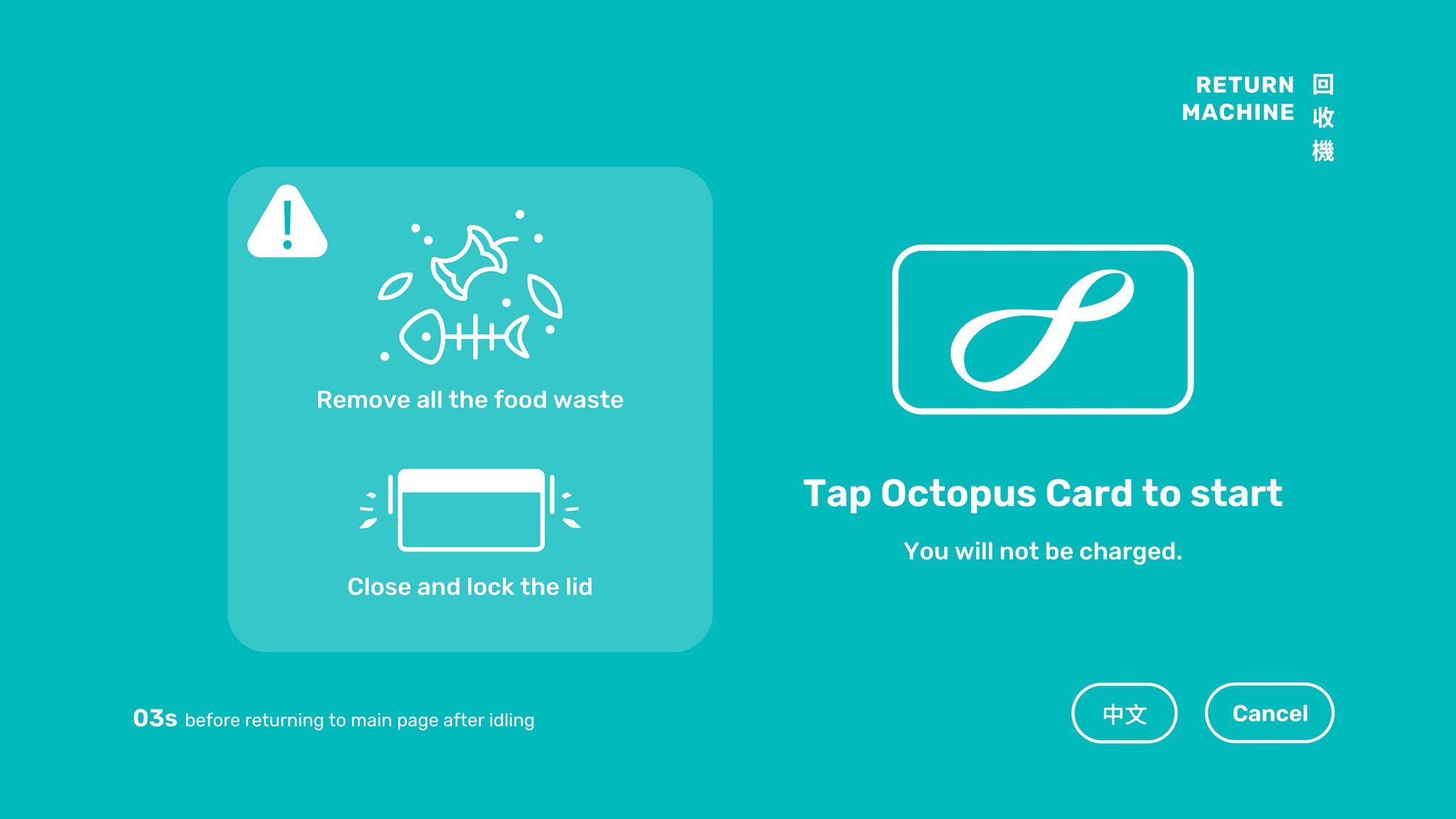
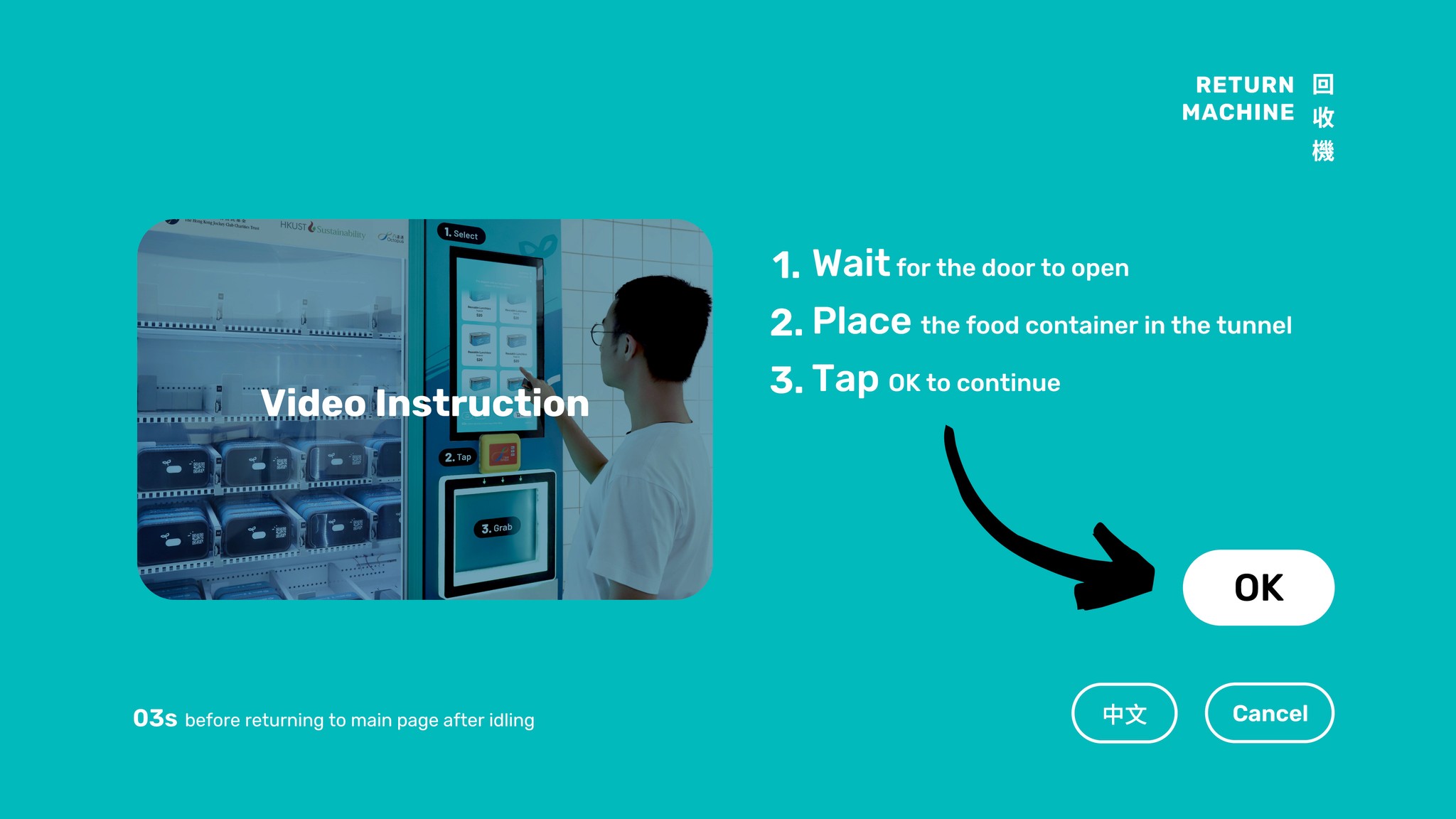
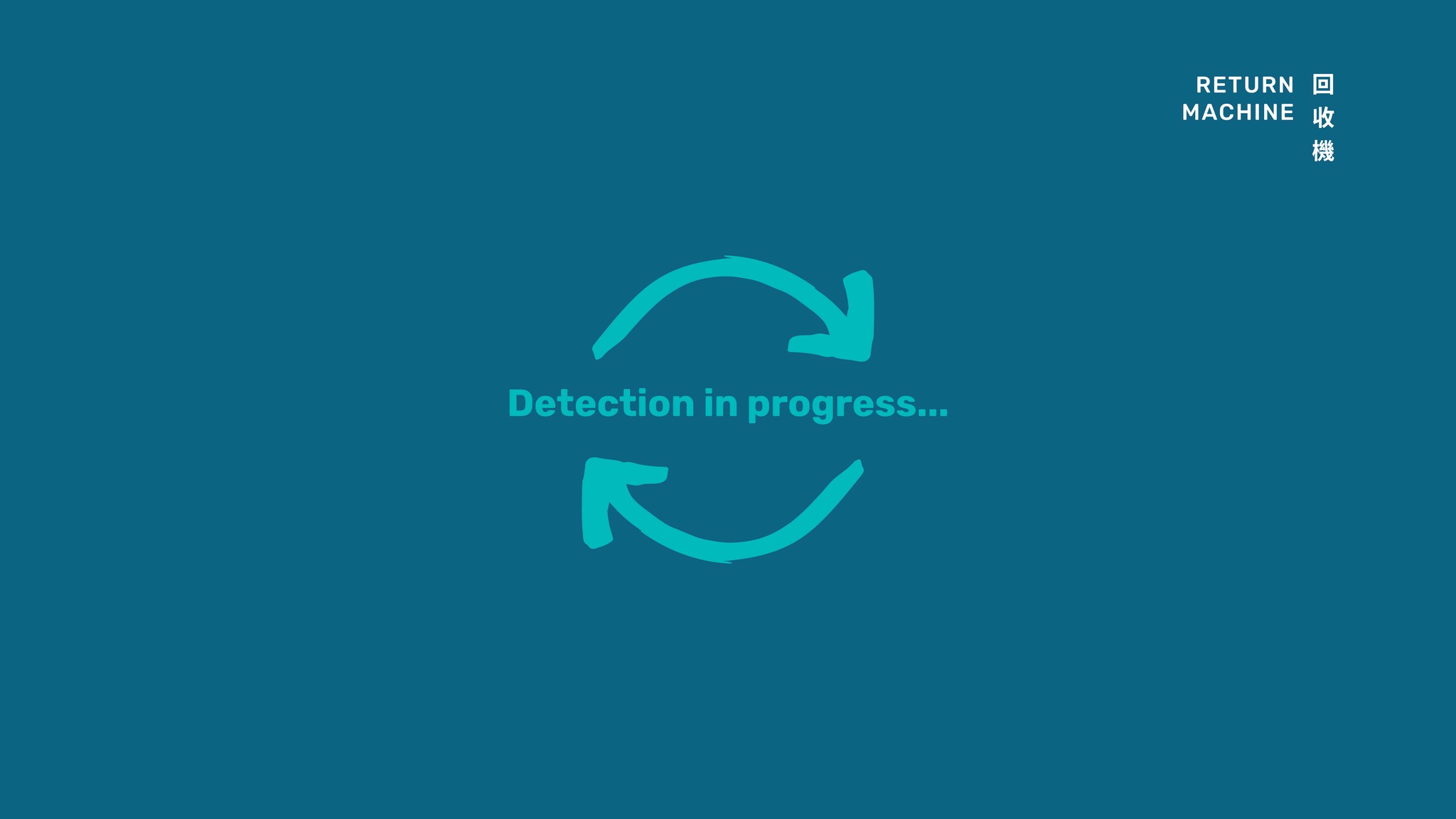
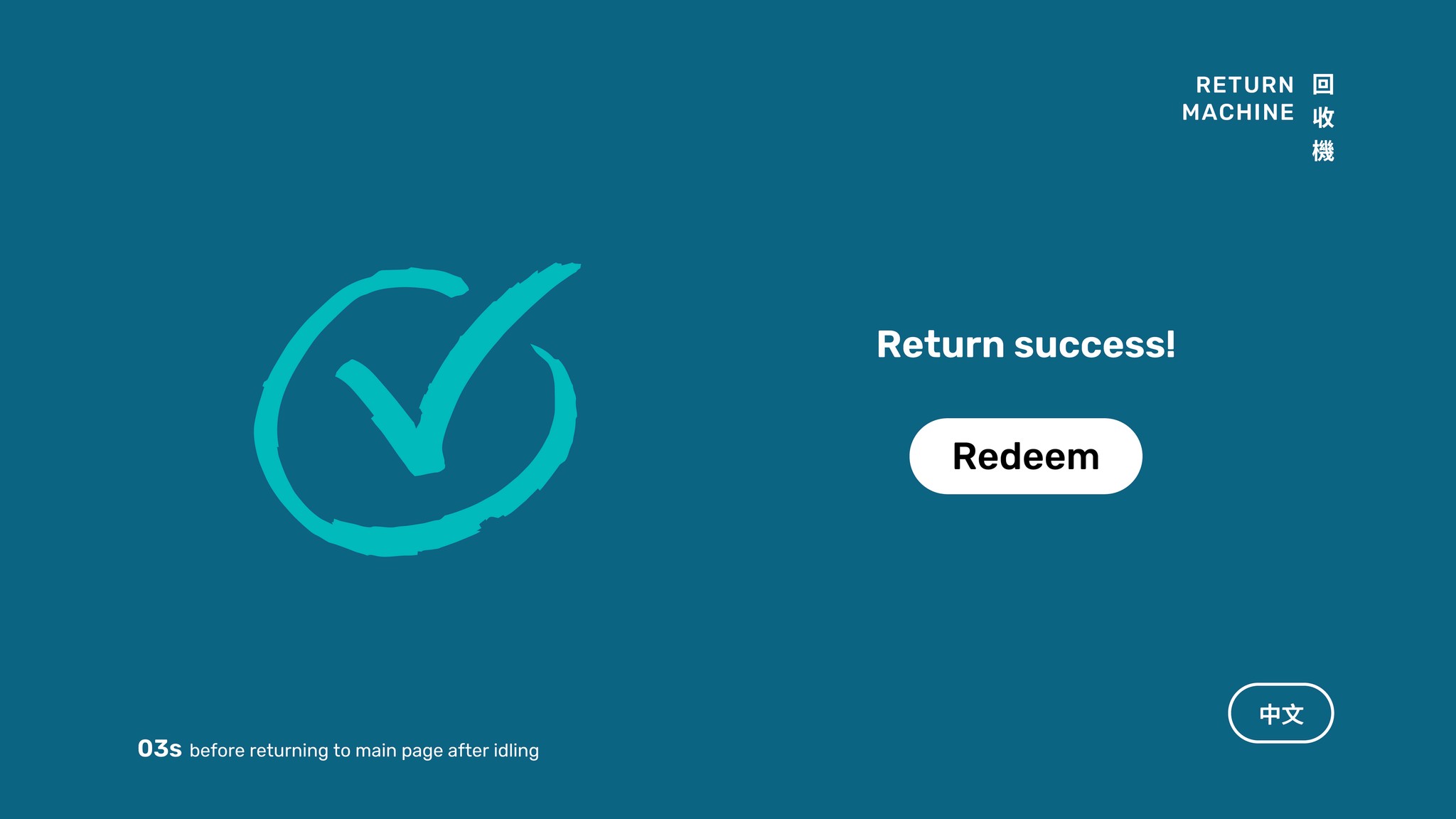
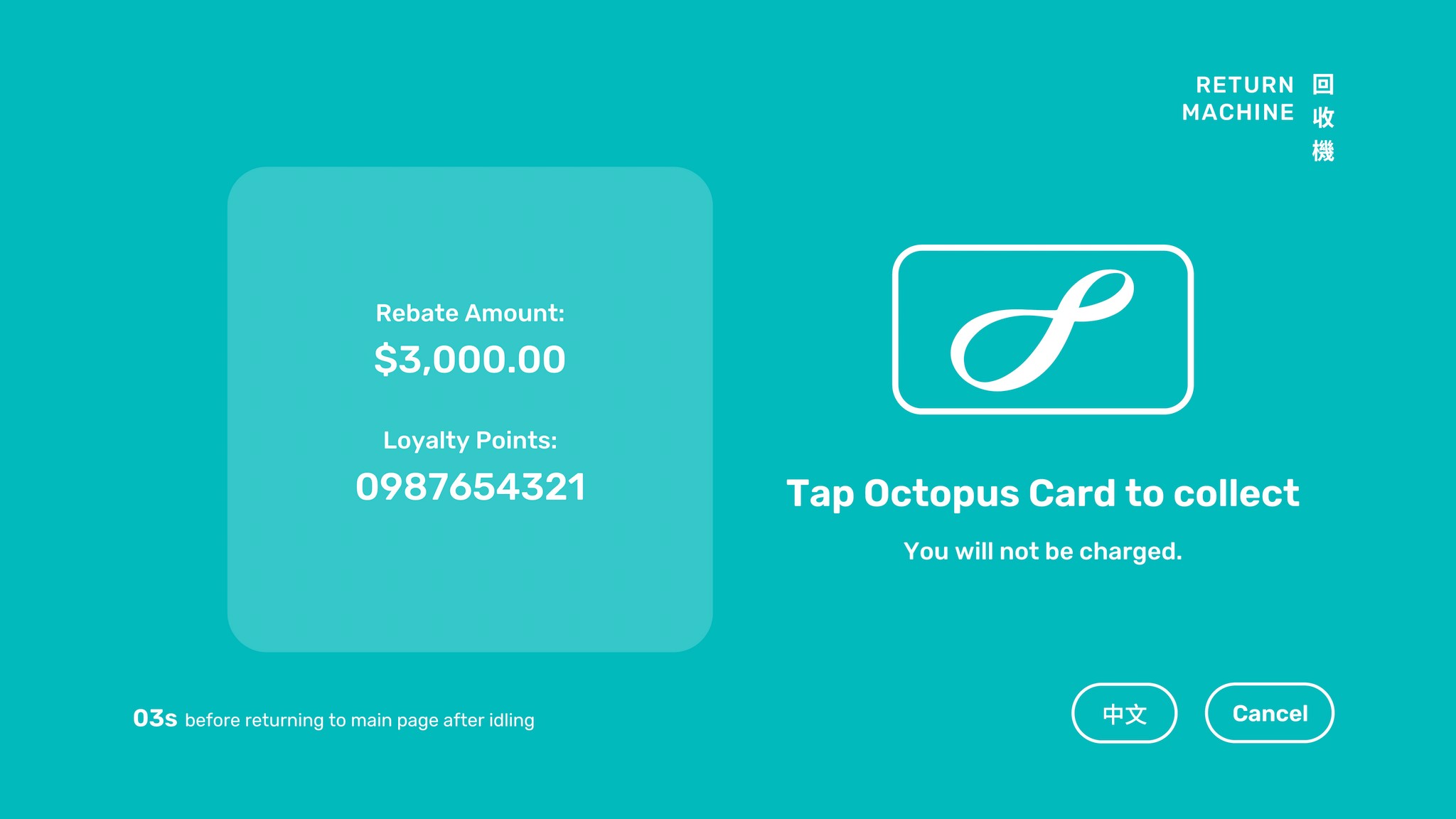
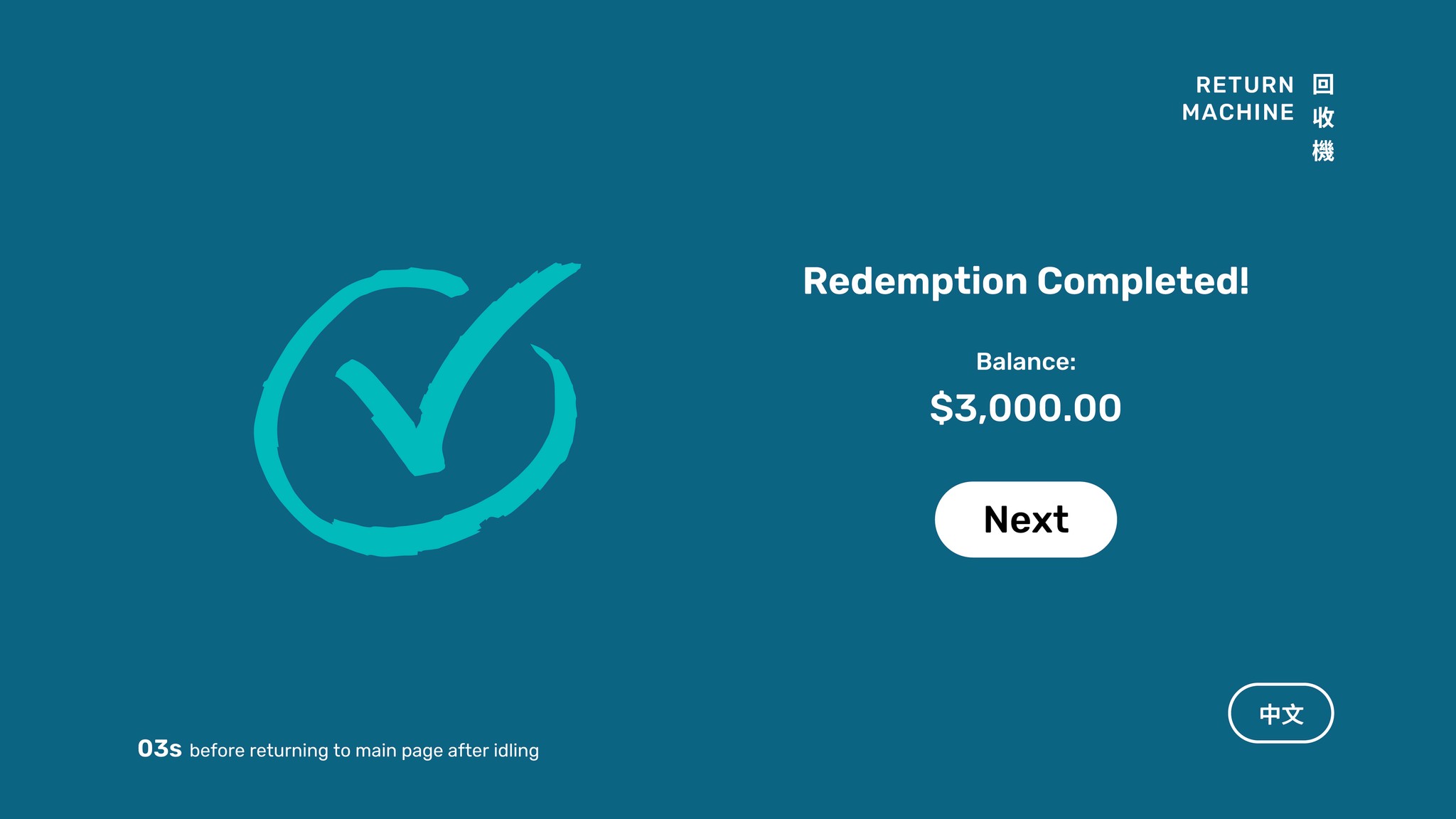
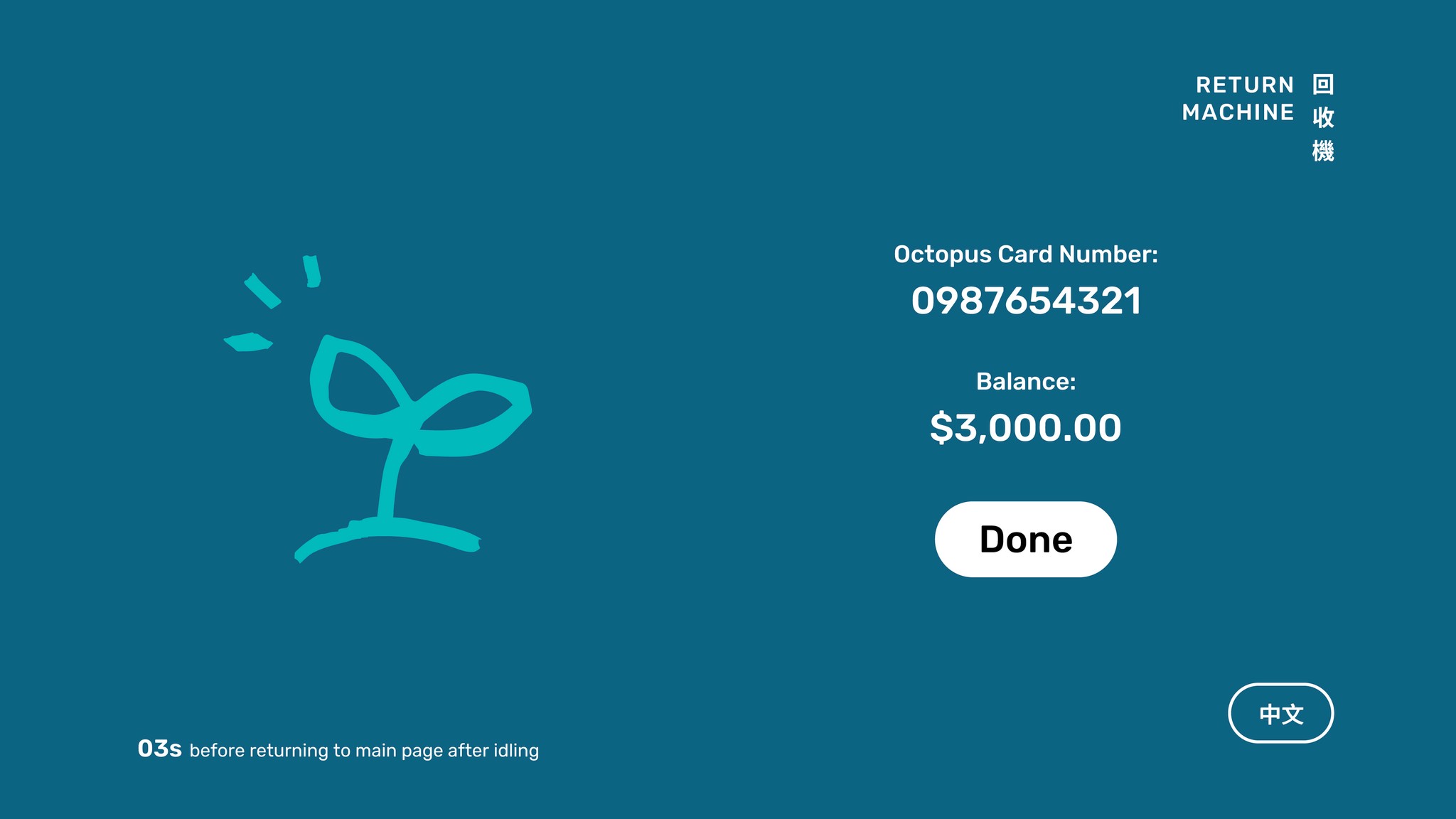
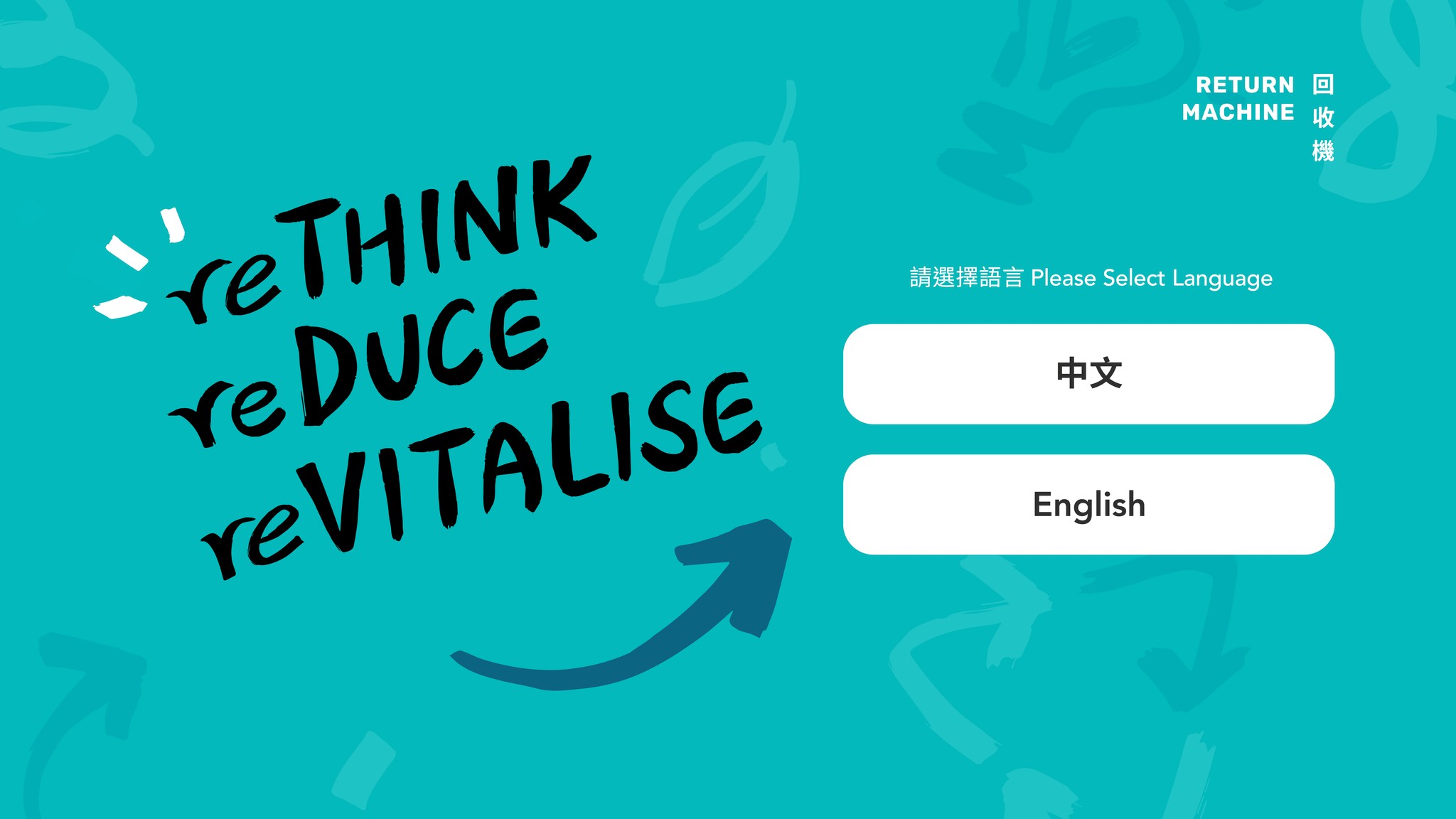
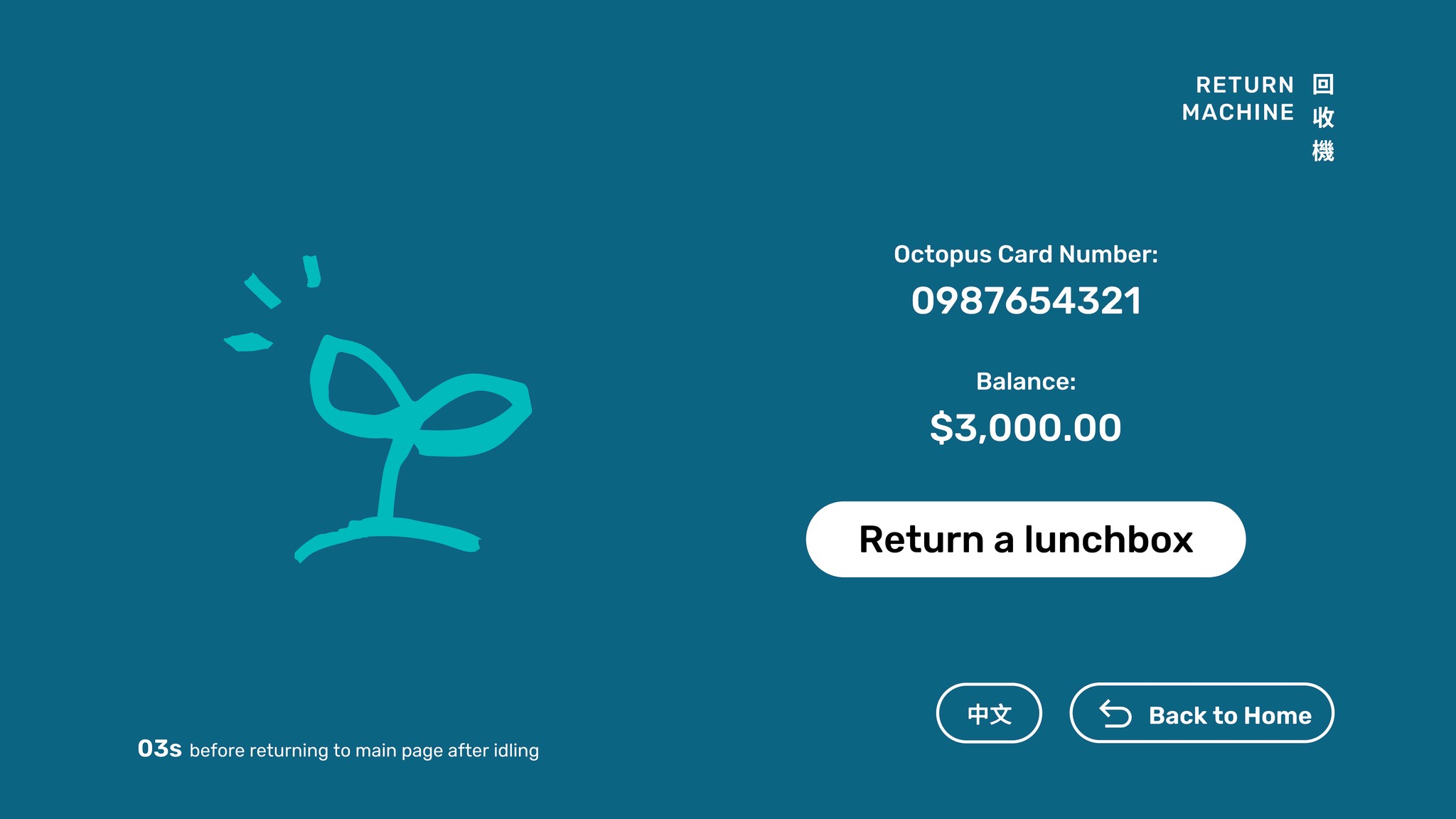
While the return machine features a horizontal screen layout, it maintains the same design principles for visual consistency. It offers two straightforward functions—returning lunchboxes and checking balance—which involve minimal decision-making from users. Since the return process is relatively new and less familiar, the interface is designed with extra care to prevent errors. A clear video tutorial is provided to guide users. Also, multiple error scenarios have been anticipated, with tailored on-screen messages designed to help users navigate and recover from any issues smoothly.
While the return machine features a horizontal screen layout, it maintains the same design principles for visual consistency. It offers two straightforward functions—returning lunchboxes and checking balance—which involve minimal decision-making from users. Since the return process is relatively new and less familiar, the interface is designed with extra care to prevent errors. A clear video tutorial is provided to guide users. Also, multiple error scenarios have been anticipated, with tailored on-screen messages designed to help users navigate and recover from any issues smoothly.
While the return machine features a horizontal screen layout, it maintains the same design principles for visual consistency. It offers two straightforward functions—returning lunchboxes and checking balance—which involve minimal decision-making from users. Since the return process is relatively new and less familiar, the interface is designed with extra care to prevent errors. A clear video tutorial is provided to guide users. Also, multiple error scenarios have been anticipated, with tailored on-screen messages designed to help users navigate and recover from any issues smoothly.
Primary
Secondary
Alternative
Actions
Primary
Secondary
Alternative
Actions
Ideal User Flow
Ideal User Flow
Ideal User Flow
Ideal User Flow
1.
1.
1.
Return
Return
Return
Choose Service
Choose Service
Choose Service
Choose Service
Tap Card
Tap Card
Tap Card
Tap Card
Return Lunchbox
Return Lunchbox
Return Lunchbox
Return Lunchbox
Complete
Complete
Complete
Complete
2.
2.
2.
Check Points
Check Points
Check Points
Choose Service
Choose Service
Choose Service
Choose Service
Tap Card
Tap Card
Tap Card
Tap Card
Complete
Complete
Complete
Complete

Result
Result
Achieved
Achieved
5,709
5,709
container borrows
container borrows
with an
with an
89%
89%
return rate in the first two months,
return rate in the first two months,
among
among
8
8
universities.
universities.
Result
Achieved
5,709
container borrows
with an
89%
return rate in the first two months,
among
8
universities.
Result
Achieved
5,709
container borrows
with an
89%
return rate in the first two months,
among
8
universities.
See Other UX/UI Projects
See Other UX/UI Projects
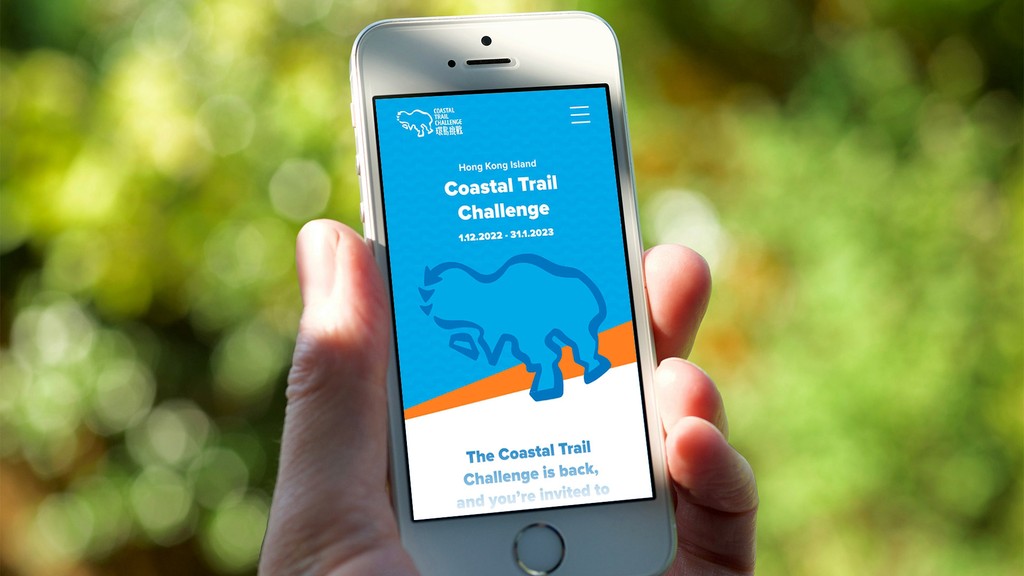
COASTAL TRAIL CHALLENGE
Website designed to promote outdoor activities along the coast in Hong Kong.
View
View